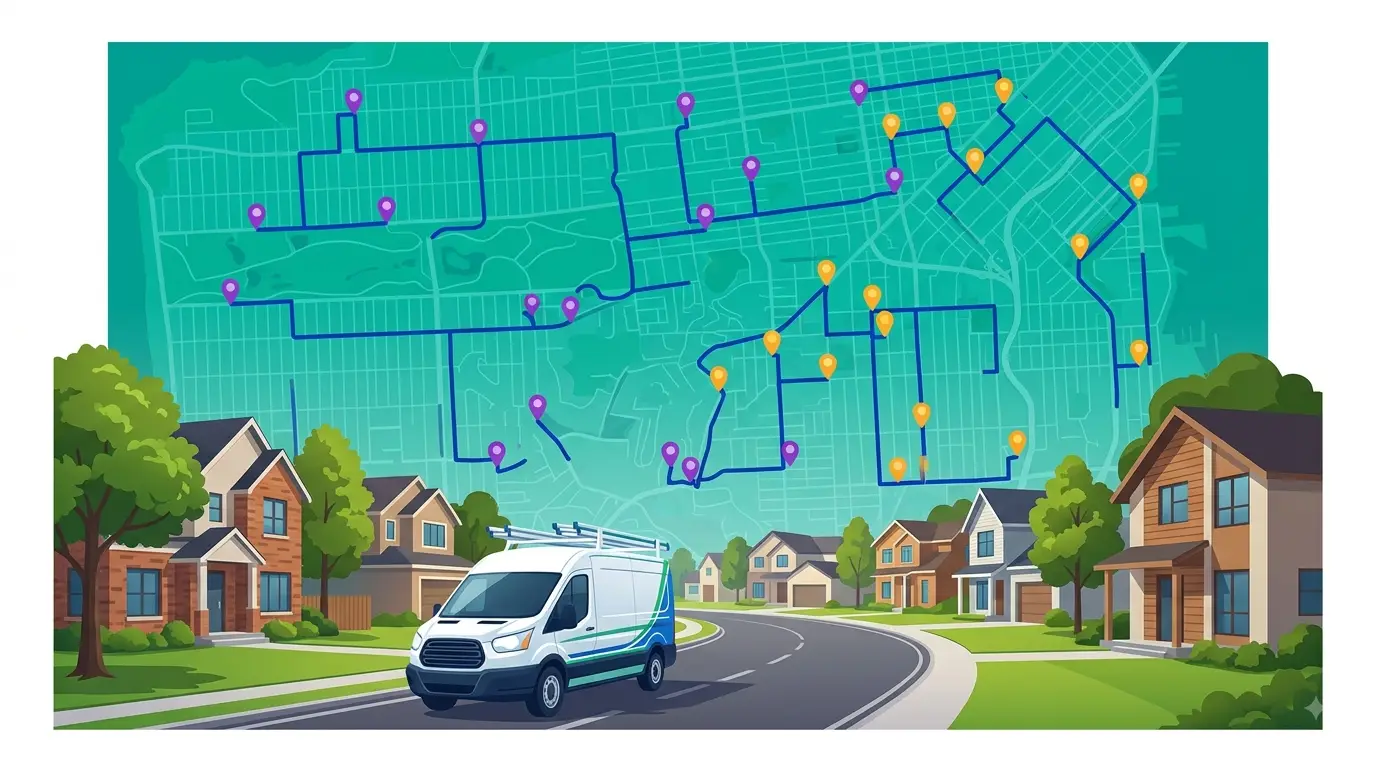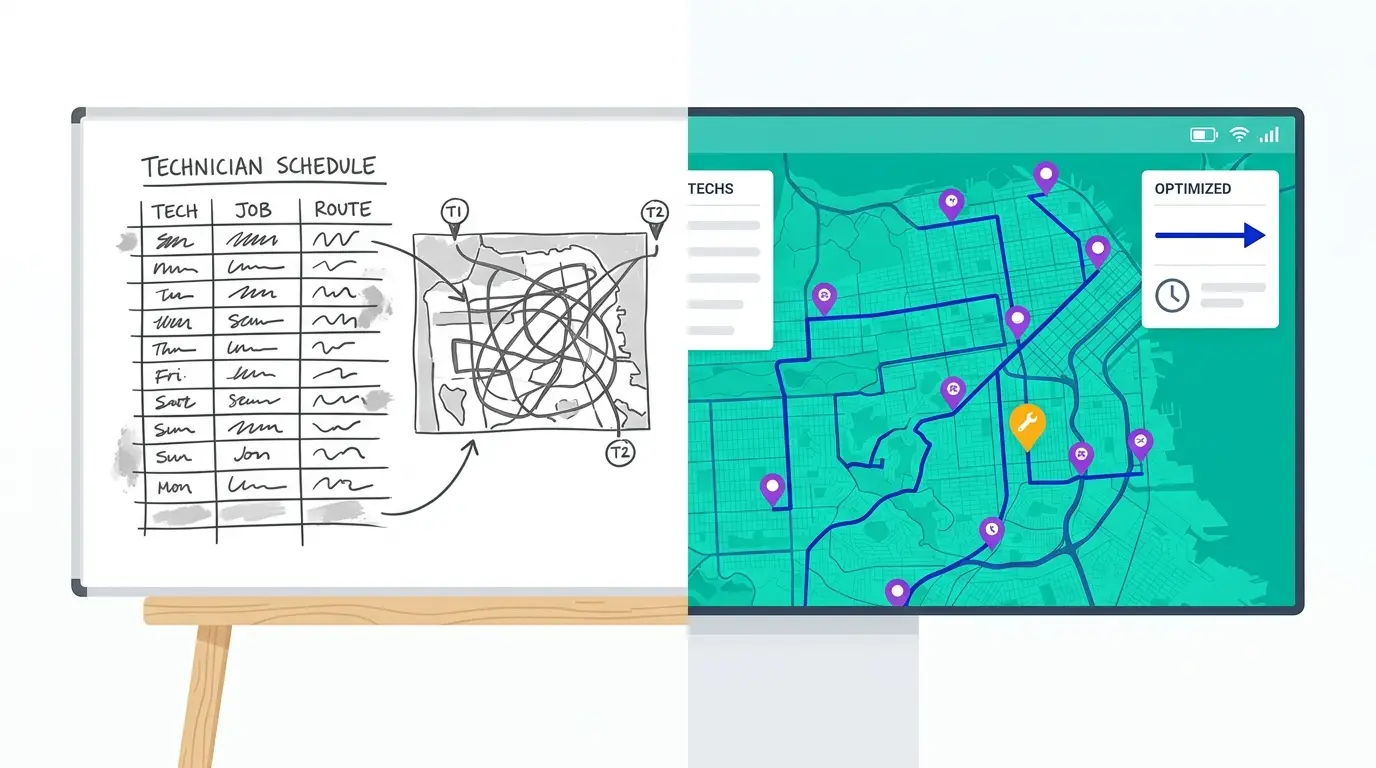
Every HVAC company dispatches somehow. A whiteboard in the office, a spreadsheet the dispatcher rebuilds each morning, a group text, a stack of work orders sorted by whoever called first — it all gets technicians to job sites. The question isn’t whether manual scheduling works. It’s how much drive time it quietly costs you every single day, and whether you’d ever know.
That’s the honest comparison this post walks through: what HVAC dispatch software actually changes versus a manual process, where manual dispatch leaks drive time, how to measure the leak in your own operation, and the cases where manual is still a reasonable choice.
What “manual scheduling” really means in an HVAC shop
Manual dispatch rarely means chaos. Most shops running without software have a system that works, more or less, because one person holds it together:
The whiteboard or spreadsheet build. Each morning (or the night before), the dispatcher assigns tomorrow’s calls tech by tech, working from memory of the service area, customer history, and who’s good at what.
Booking-order assignment. Jobs get slotted into the schedule roughly in the order customers called, then shuffled when the day starts looking lopsided.
Radio-and-phone rebalancing. When an emergency lands or a job runs long, the dispatcher calls around: who’s close, who’s free, who can take it.
Tech self-routing. Techs get a list of the day’s addresses and decide their own order — often in the truck, between calls.
None of this is careless. It’s the dispatcher solving, by hand and under time pressure, a genuinely hard math problem: which tech takes which jobs, in what order, given appointment windows, job durations, skills, and geography. The catch is that the number of possible assignments across even a three-tech, twenty-job day is far beyond what anyone can evaluate mentally. Manual dispatch doesn’t find the best schedule — it finds a workable one. The gap between those two is your invisible drive-time loss.
Where manual scheduling leaks drive time
The leak isn’t one big mistake. It’s a handful of small, structural ones that repeat daily:
1. Routes built in booking order, not geographic order
When jobs are assigned roughly in the sequence customers called, techs end up criss-crossing the service area — northeast in the morning, southwest before lunch, back northeast after. Each individual leg looks reasonable; the day as a whole doubles back on itself.
2. Emergencies go to the nearest truck, not the least-disruptive one
The nearest tech is not always the right tech. Pulling the closest truck can wreck three downstream appointment windows, while a tech slightly farther away could have absorbed the call with no disruption at all. A dispatcher working from a whiteboard can’t see that trade-off — so the default is “who’s close,” and the schedule pays for it all afternoon.
3. Cancellations leave dead gaps
When a job cancels mid-day, tightening the rest of that tech’s route by hand — while the phone keeps ringing — usually doesn’t happen. The tech gets a dead hour, or takes a long, unplanned drive to the next stop as sequenced.
4. Techs resequence their own day
A list of addresses invites every tech to become their own route planner. Some are good at it. Most are guessing, and each one is optimizing their own day rather than the whole board — so the company-wide schedule drifts further from efficient with every mile.
5. No one ever sees the loss
This is the most expensive leak. Manual dispatch produces no record of what the day could have looked like. Fuel gets bought, overtime gets paid, a fifth call doesn’t get booked — and there’s no artifact showing that a tighter sequence existed. The cost is real but never itemized, which is exactly why it survives year after year.
HVAC dispatch software vs. manual scheduling, side by side
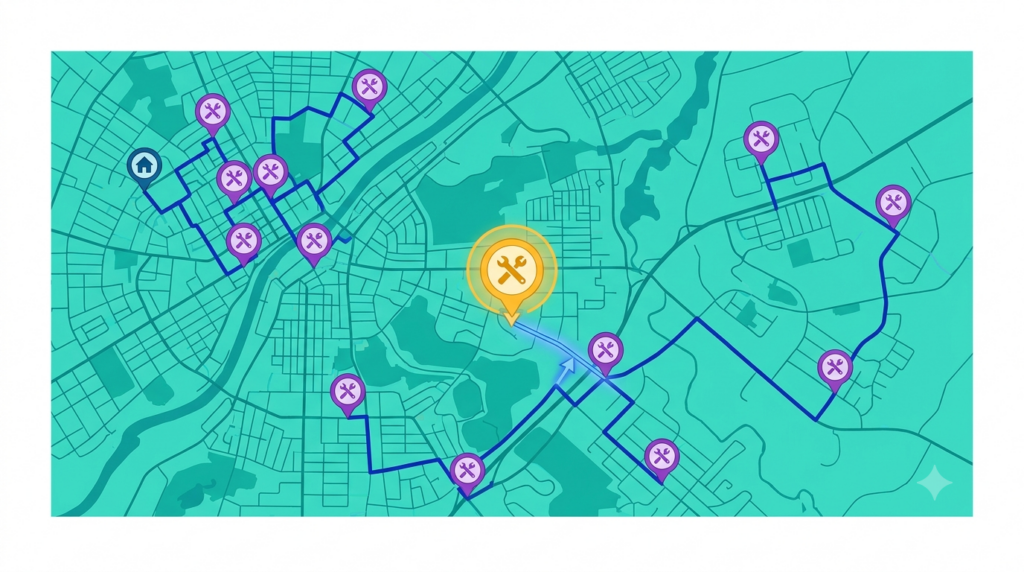
HVAC dispatch software attacks each of those leaks directly. Here’s the comparison across a normal operating day:
| Moment in the day | Manual scheduling | HVAC dispatch software |
|---|---|---|
| Morning route build | Dispatcher assigns jobs tech by tech from memory; 30–60 minutes of work, quality depends on the person | Full job list optimized across all techs at once, in seconds; sequenced by real drive time, not booking order |
| Emergency call at 10am | Nearest or first-available truck takes it; downstream windows absorb the damage | Software shows the drive-time cost of inserting the call into each tech’s route; dispatcher picks the least disruptive slot |
| Mid-day cancellation | Gap stays in the route, or gets patched by phone | Remaining stops resequence; the gap collapses |
| Tech’s view of the day | List of addresses; tech picks the order | Ordered, turn-by-turn route on their phone; office and field run the same plan |
| Appointment windows | Held in the dispatcher’s head; slippage discovered when the customer calls | Windows are constraints the optimizer must honor; conflicts surface before the day starts |
| End of day | No record of route efficiency | Planned vs. actual visible; recurring inefficiencies become fixable patterns |
| When the dispatcher is out | The system is in their head; quality drops immediately | The process is in the software; anyone can run the board |
Two things are worth stressing. First, the software isn’t replacing the dispatcher — it’s replacing the guesswork portion of their job, the combinatorial sequencing no human can do optimally. The judgment calls (which customer to prioritize, which tech handles a fragile account) stay human. Second, none of this requires techs to learn dispatching tools. They receive a route; the change in their day is having a plan instead of a list.
How to measure the drive time you’re actually losing
Vendors love to lead with headline percentages. Skip them — your loss depends on your market density, your job mix, and how good your current dispatcher is. You can measure it yourself in a week, with data you already have:
- Pull one real week of completed schedules. For each tech, list every stop actually visited, in the order actually driven. GPS history, fuel card data, or timesheets will reconstruct it.
- Total the drive time. Hours between stops, per tech, per day. This is your baseline — most operators have never seen this number isolated from job time.
- Re-run the same days through an optimizer. Same jobs, same techs, same time windows. Most routing tools (including Route Planner AI) let you do this in a trial. The gap between the driven routes and the optimized routes, multiplied across your fleet and your working year, is your number — not a vendor’s.
- Look at where the gap comes from. Usually it concentrates in exactly the leaks above: booking-order sequencing, emergency insertions, and zone-crossing. That tells you what the software would change first.
An honest audit sometimes comes back small — a two-tech shop in a compact town with a sharp dispatcher may find little slack. That’s a fine outcome: you’ve confirmed your manual process with data instead of hope. Larger fleets and spread-out metros almost always find the opposite.
When manual scheduling is still enough
Manual dispatch is a defensible choice when the routing problem is small enough for one person to actually hold: one or two techs, a tight service area, a stable book of recurring maintenance, and few emergencies. If your dispatcher can genuinely see the whole day, software adds a step without adding much value.
The tipping points to watch for are structural, not emotional: a third or fourth truck on the road, expansion into a second town or across a metro, a growing share of same-day emergency work, or a dispatcher whose morning route build is stretching past half an hour. Each of those multiplies the combinations beyond what manual scheduling can search — and that’s when the invisible loss starts compounding.
For a deeper look at the software side of the equation, our guide to HVAC routing software covers what to evaluate when comparing tools, and our breakdown of how HVAC companies use route optimization to fit more jobs per day shows where the recovered hours actually come from. If you’re also weighing how dispatch connects to customer records and job history, start with what a route CRM is.
Frequently asked questions
What is HVAC dispatch software?
HVAC dispatch software is a tool that assigns and sequences service calls across a technician fleet automatically — optimizing stop order for drive time, honoring appointment windows and job durations, handling mid-day changes like emergencies and cancellations, and pushing each tech an ordered route on their phone. It replaces the manual whiteboard-and-phone process with a solved schedule.
Is HVAC dispatch software different from routing software?
The terms overlap heavily. “Routing software” emphasizes the sequencing engine; “dispatch software” emphasizes the daily workflow around it — assignment, mid-day changes, and communication with techs. Most tools worth evaluating, Route Planner AI included, do both: they optimize the routes and run the day-to-day dispatch process on top.
Will dispatch software replace my dispatcher?
No — it changes what the dispatcher spends time on. The mechanical work of sequencing stops moves to the software; the dispatcher keeps the judgment calls: prioritizing customers, matching techs to jobs that need specific skills, and deciding how to handle the exceptions the software surfaces.
How disruptive is switching from manual scheduling?
Less than most operators expect, because the inputs are things you already know: your jobs, addresses, time windows, and techs. The typical path is to run the software in parallel for a week — building tomorrow’s routes both ways — and compare. Techs see the change as an ordered route on their phone instead of a list, which is usually an easier day, not a harder one.
Getting started with Route Planner AI
Route Planner AI gives HVAC operators dispatch and routing in one tool: multi-technician optimization, appointment-window handling, mid-day resequencing for emergencies, and turn-by-turn routes pushed to every tech’s phone. Plans start at $39.99 per driver per month.
The comparison in this post doesn’t have to stay hypothetical. Start a free trial, load a real week of your schedule, and put the optimized routes next to the ones your whiteboard produced. The gap between them is your answer to the question in the title.