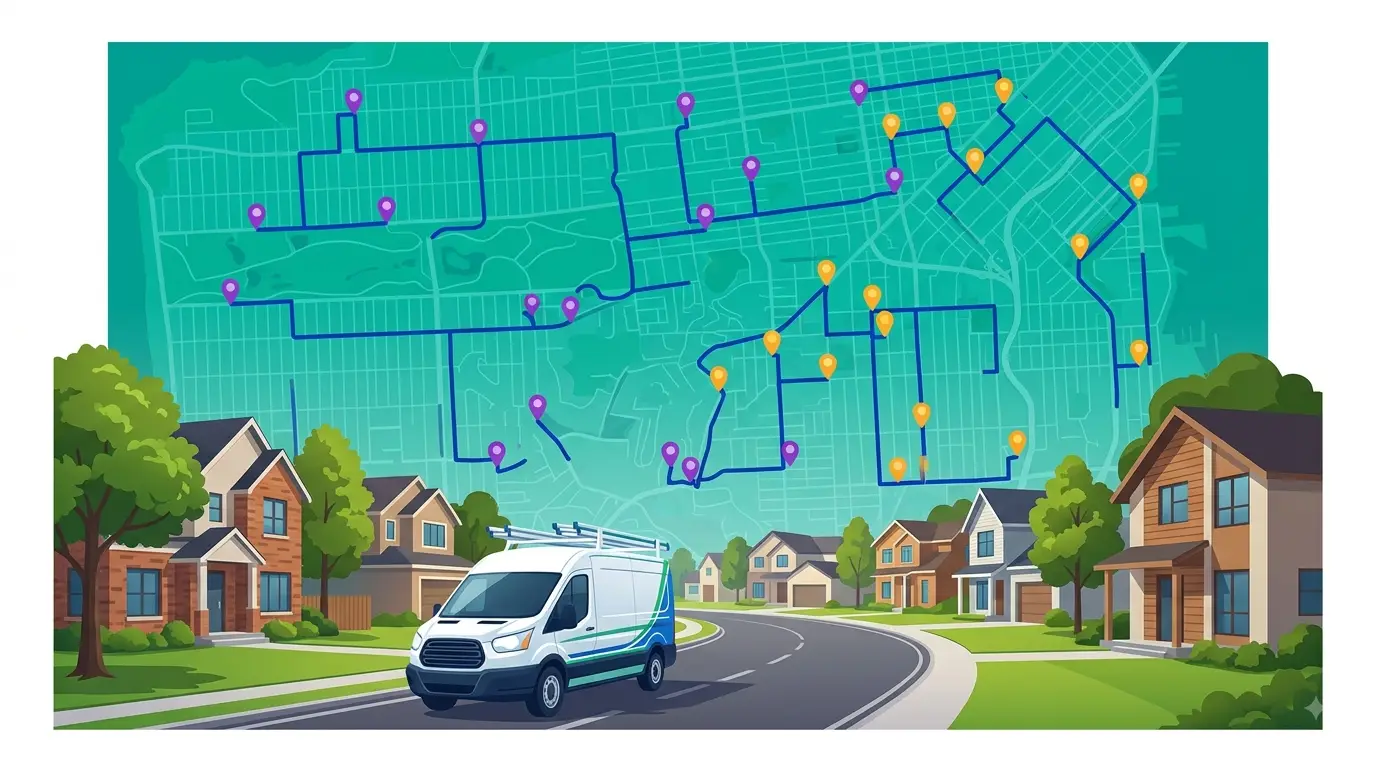
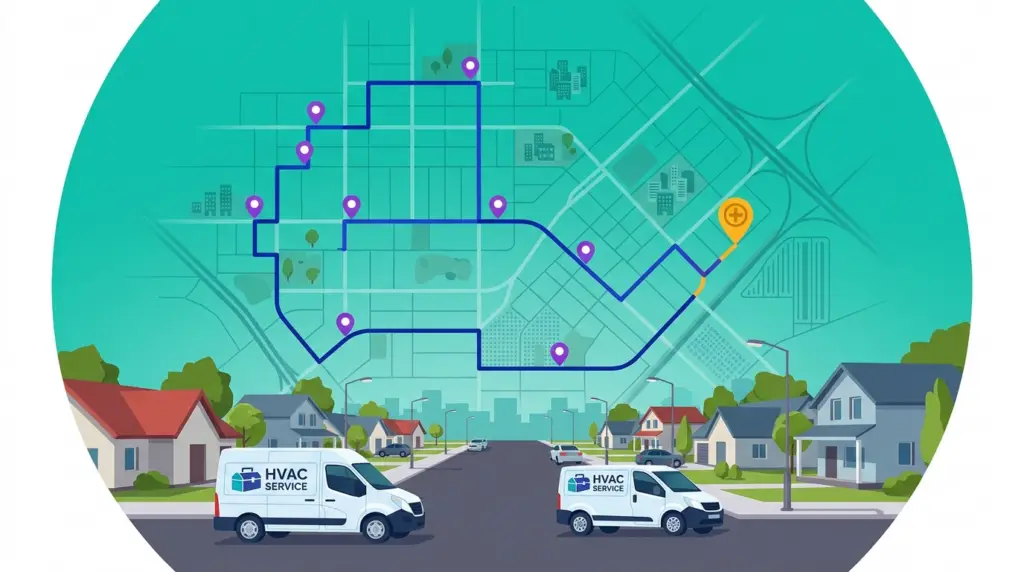
HVAC route optimization is the difference between a technician who runs four calls a day and one who runs six — without working longer hours or rushing the work. The jobs themselves rarely change. What changes is how much of the day disappears into driving between them. For most HVAC operators, drive time is the single largest pool of recoverable hours in the business, and route optimization is how you recover them.
This post breaks down exactly how HVAC companies use route optimization day to day: what it does to a real schedule, where the extra capacity comes from, and how to fit it into the way your dispatch already runs.
What HVAC route optimization actually means
Route optimization isn’t navigation. A phone map app tells one technician the fastest way to one address. Route optimization looks at the whole picture — every technician, every job on the board, every time window and duration — and works out the assignment and stop order that gets all of it done with the least total drive time.
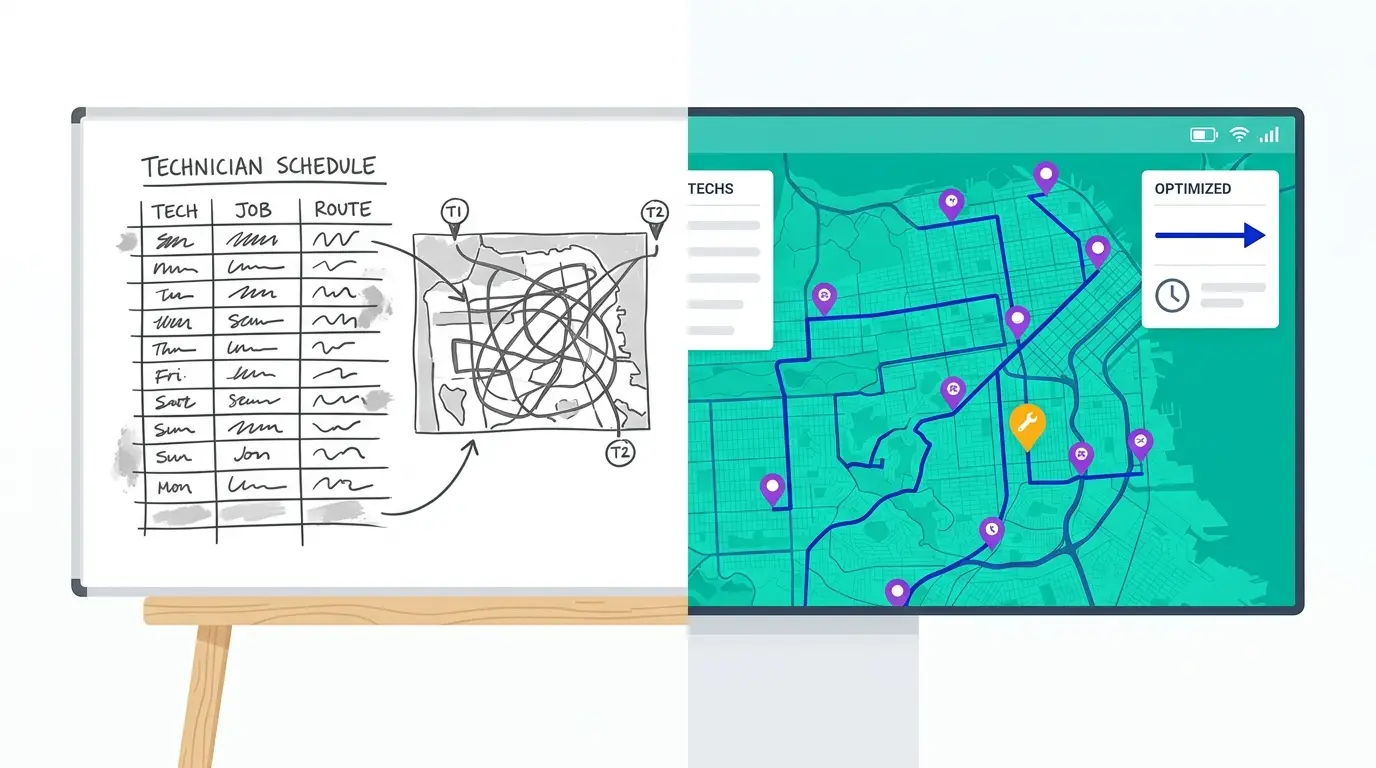
The distinction matters because the hard part of HVAC scheduling isn’t finding any one address. It’s deciding which tech takes which jobs, and in what order, when you have a dozen variables pulling in different directions: appointment windows, job lengths, technician skill, territory, and the emergency call that just came in. Done by hand on a whiteboard or in a spreadsheet, that’s guesswork. A dispatcher building tomorrow’s routes from memory and rough geography will almost always leave time on the table — not because they’re careless, but because the number of possible combinations is far past what anyone can hold in their head.
HVAC route optimization software solves that problem directly. You feed it the day’s jobs and your technicians, and it returns the sequence that minimizes windshield time across the entire team at once.
Why “more jobs per day” comes down to drive time
A service call has two clocks running: the time spent doing the work, and the time spent getting to it. You can’t compress the wrench time without cutting corners. But the drive time between calls is almost entirely a scheduling decision — and it’s where the slack hides.
Consider what an inefficient route costs. A technician who criss-crosses a service area, doubling back because jobs were assigned in the order the phone rang, can easily spend two to three hours of an eight-hour day behind the wheel. Tighten that same set of stops into a logical geographic sequence and you might hand an hour of that back. An hour a day, per technician, is another service call — or the breathing room that keeps the afternoon from collapsing when one job runs long.
That recovered hour is why HVAC routing comes up in nearly every conversation about capacity. Operators assume the path to more revenue is more trucks and more techs. Often the faster path is getting more out of the trucks already on the road. Route optimization is how that happens, and it compounds: the gain isn’t a one-time win, it repeats every single day the schedule runs.
How HVAC companies use route optimization to fit more jobs per day
In practice, HVAC route optimization shows up in four concrete ways across a normal operating day.
Optimize the whole day across every technician
The foundation is the morning route build. Instead of a dispatcher assigning jobs tech by tech and hoping the geography works out, the software takes the full job list and the full crew and solves them together — balancing workloads so no one tech is slammed while another coasts, and ordering each route so the day flows in a sensible loop rather than a series of backtracks.
For a shop running three or four techs and twenty-plus jobs, the number of ways to divide and sequence that work is enormous. The software evaluates it in seconds and returns the most efficient plan. That single step is usually where the biggest chunk of recovered time comes from.
Insert emergency calls without blowing up the schedule
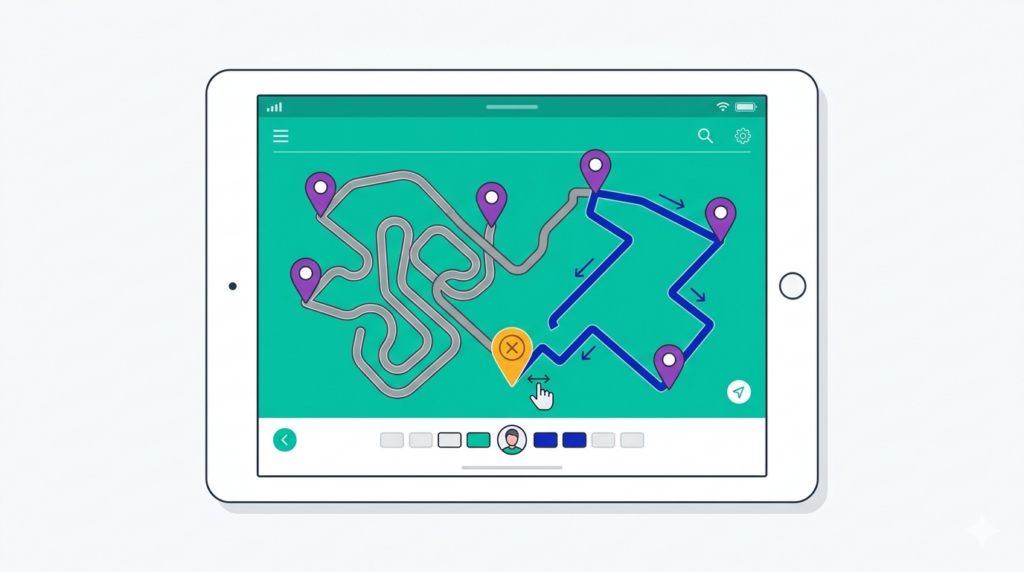
HVAC lives with emergencies: the AC that quits on the hottest afternoon of the year, the furnace that dies overnight in January. These calls land on top of a day that’s already planned, and how you absorb them determines whether the rest of the schedule survives.
Without software, the default is to bolt the emergency onto the end of whichever tech is closest — or whoever answers the radio first. Route optimization changes the question from “who can take this?” to “who can take this with the least disruption?” It shows where each tech is, what they have left, and what inserting the emergency would cost at each point in each route. You pick the least disruptive option and the rest of the day stays intact. That’s the difference between an emergency costing you one call and an emergency costing you three.
Tighten recurring maintenance and seasonal routes
Maintenance agreements and seasonal tune-up campaigns are steady revenue, but they’re also a routing problem in disguise. A spring AC tune-up push might mean hundreds of similar visits clustered in a few weeks. Sequencing those by territory — rather than by the order calls were booked — turns a sprawling, inefficient set of visits into tight daily loops. The same logic applies to standing maintenance contracts: group them geographically and you fit far more of them into each day without adding a single truck.
Push the optimized route to each technician’s phone
An optimized plan only pays off if it survives contact with the field. Once routes are built, technicians should get a clear, ordered, turn-by-turn sequence on their phones — not a raw list of addresses to puzzle over between jobs. This removes the “where do I go next?” decision from the tech and stops the common pattern of technicians quietly resequencing their own day on the fly, usually less efficiently than the software would. The plan you built in the office is the plan that runs on the road.
What the payoff looks like in practice
It’s tempting to put a number on this, but the honest answer is that it depends on your market, your job mix, and how routes get built today. A shop already running tight territories will see a smaller gain than one assigning jobs in the order they were booked across a sprawling metro.
What’s consistent is the shape of the improvement. The first optimized run almost always produces a noticeably tighter schedule than the manual version it replaces, because the software is searching a space no dispatcher can fully work through by hand. From there the gain repeats daily, and it shows up as some combination of three things: fewer drive-time hours, more completed calls per tech, and fewer appointment windows slipping because the afternoon stayed on track. Rather than trust a vendor’s headline percentage, the better move is to run a week of your own real routes through optimization and compare the result against what you’d have built manually.
Where route optimization fits in your dispatch workflow
Route optimization isn’t a replacement for your whole back office — it’s the engine that makes the rest run leaner. It sits naturally alongside the systems you already use to book jobs and track customers.
If you’re still evaluating tools, it helps to understand the broader category first: our guide to HVAC routing software covers what to look for when comparing options, and our breakdown of the route CRM explains how routing connects to customer data and dispatch in one place. Route optimization is the piece of that stack that directly attacks drive time — the rest is about keeping customer history, scheduling, and communication organized around it.
The point is that fitting more jobs per day isn’t about working technicians harder. It’s about removing the wasted motion between the jobs they’re already doing, and letting them spend more of the day on billable work instead of the road.
And if your dispatch still runs on a whiteboard, our comparison of HVAC dispatch software breaks down exactly where the drive time is going.
Getting started with Route Planner AI
Route Planner AI gives HVAC operators multi-technician route optimization, territory management, and mid-day resequencing for emergencies — without the overhead of heavyweight enterprise field service platforms. Plans start at $39.99 per driver per month.
If your dispatchers are building routes by hand each morning, or your techs are making their own sequencing calls on the road, the simplest way to see the difference is to run your real schedule through it. Start a free trial and compare an optimized day against the route you’d have built manually.
Frequently asked questions
Is HVAC route optimization different from using Google Maps? Yes. A map app routes one person to one destination. Route optimization assigns and sequences every job across every technician at once, accounting for appointment windows, job durations, and territories — a problem a single-destination map app isn’t built to solve.
How does route optimization handle same-day emergency calls? It evaluates where every technician is and what they have left, then shows the drive-time cost of inserting the emergency at each point in each route. You add it where it causes the least disruption, instead of guessing or tacking it onto the nearest truck.
Do my technicians need to learn complicated software? No. The optimization happens on the dispatch side. Technicians simply receive an ordered, turn-by-turn route on their phones — usually less to manage than the address lists or paper schedules they’re used to.