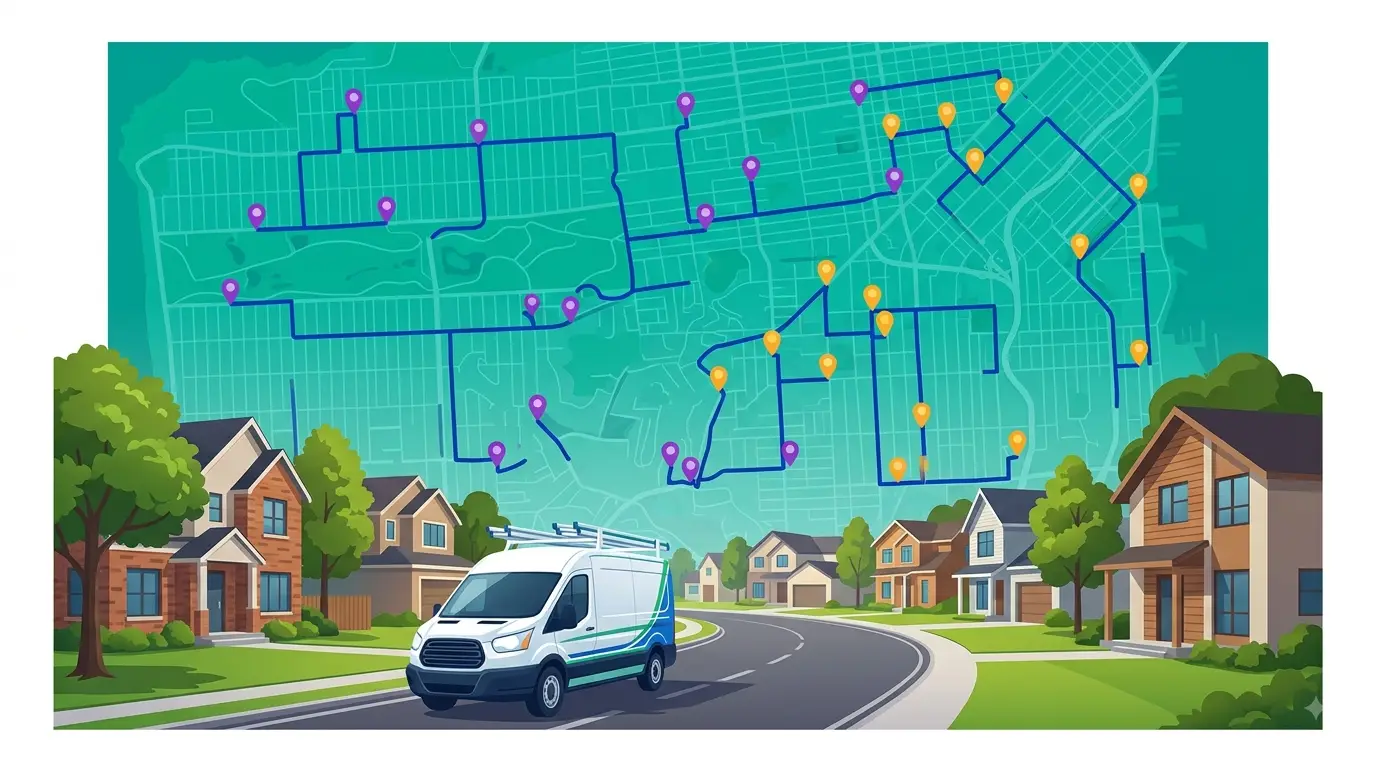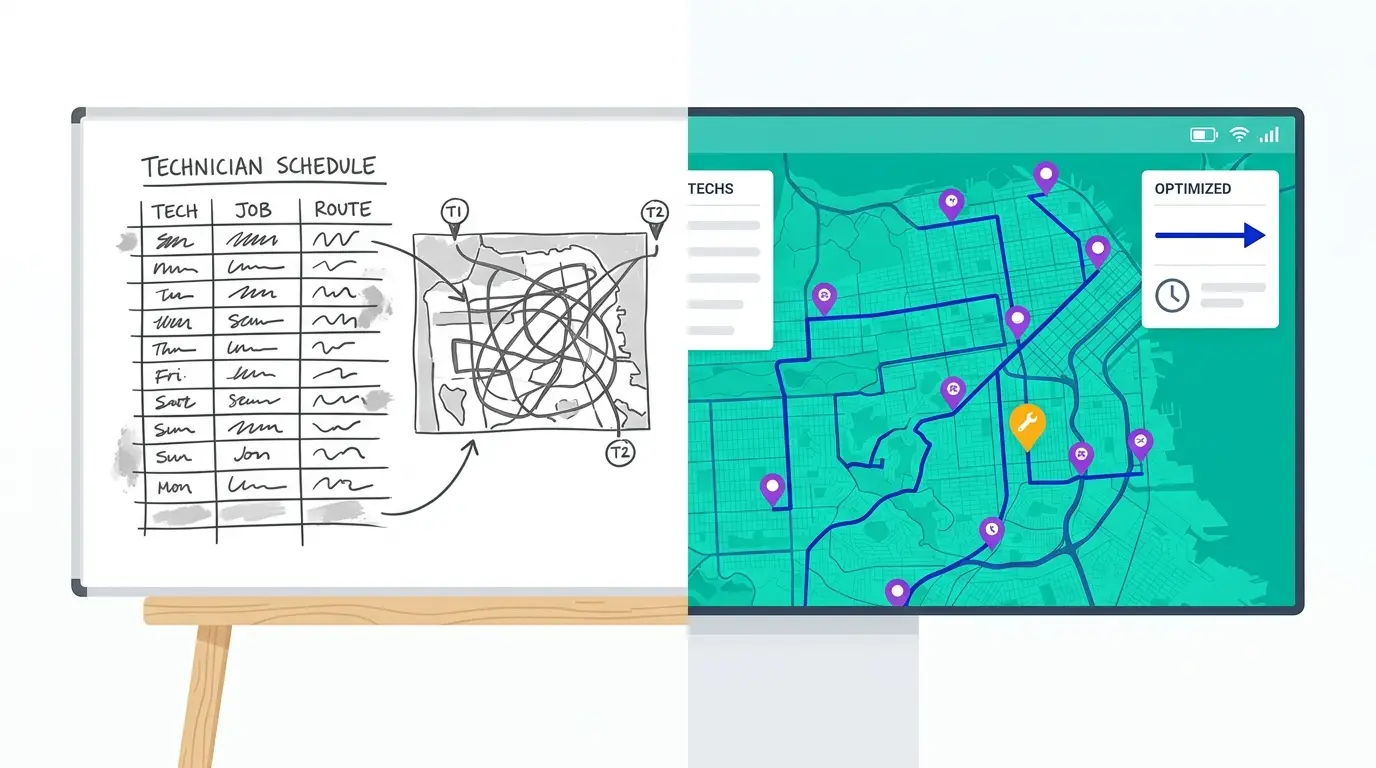
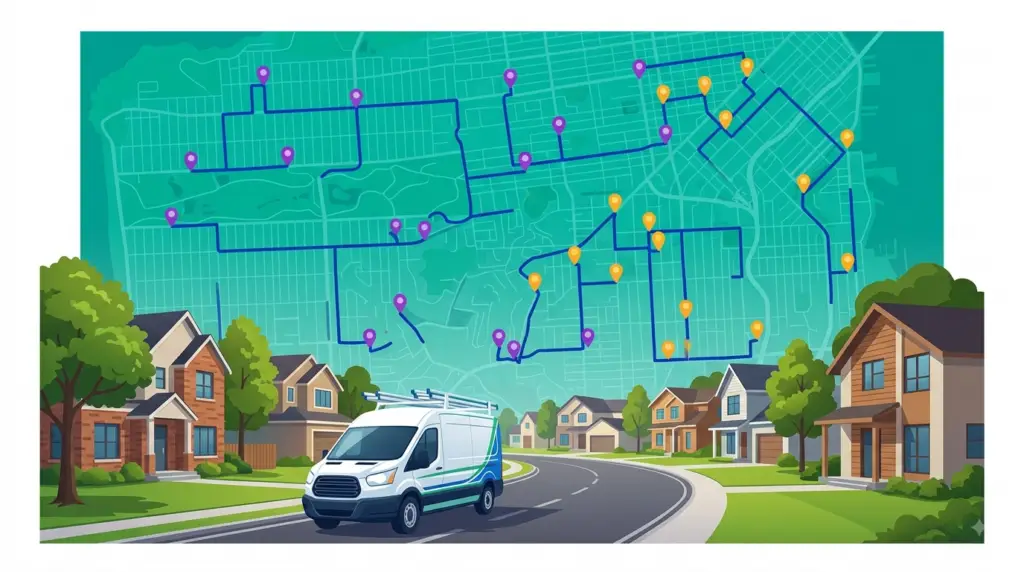
For most HVAC operators, the problem isn’t finding work. It’s that a meaningful slice of every technician’s day disappears before the first wrench turns. Drive time between service calls — not job complexity, not parts delays, not training gaps — is the single biggest operational drag on how many calls your company can run each day.
The best HVAC routing software exists to fix exactly that. This guide covers what these tools actually do, how the main categories compare, what to look for when you’re evaluating options, and where routing fits — and doesn’t fit — in your overall dispatch operation.
Why drive time hits HVAC operators harder than most field service businesses
Most field service businesses deal with drive time. But HVAC has a few structural features that make the cost especially high:
Technician labor is expensive. Unlike a pest control route where a stop might take twenty minutes, a typical HVAC service call runs the better part of an hour or more once you include diagnostics, parts lookup, repair, and customer sign-off. Every half hour of drive time between calls burns skilled-trade labor on windshield time — labor you’re paying for and can’t bill.
Customers have appointment windows. Pest control can usually service a property without the customer present. HVAC can’t — someone needs to be home, the tech needs access, and the customer has built their day around the window you gave them. When drive times slip, appointment windows slip, customers call the office, and the afternoon schedule unravels.
Emergency calls are constant. AC goes out on a 95-degree afternoon; a furnace fails at midnight in January. Emergency calls land on top of an already-scheduled day and force rerouting. Without software, a dispatcher does that resequencing by hand under time pressure — and usually ends up tacking the emergency onto the end of an existing route rather than inserting it efficiently.
Routes are geographically spread. A ten-call day in a city with highway congestion, school zones, and one-way streets doesn’t look anything like a ten-call day drawn on a flat map. Straight-line estimates are almost always wrong, and routes built from memory or rough geography accumulate inefficiency across every tech, every day.
What HVAC routing software actually does
The term “routing software” gets used loosely. For HVAC operators, what you’re really evaluating is a system that does some combination of these things:
Optimizes stop sequence across all techs
The core function: given a list of stops with their addresses and time constraints, find the order that minimizes total drive time. This isn’t Google Maps with extra steps — it’s a solver that evaluates possible sequences across all techs simultaneously and returns the most efficient assignment and order.
For a company with three techs and twenty-four jobs scheduled tomorrow, the number of possible combinations is far beyond what anyone can work through mentally. The software handles it in seconds. A dispatcher doing it by hand isn’t optimizing — they’re finding something workable and moving on.
Handles time windows and job durations
Real HVAC scheduling isn’t just “visit these addresses.” Every job has a window (“customer available 8am–noon”), an estimated duration (“maintenance visit, budget ninety minutes”), and sometimes a tech requirement (“this customer needs the tech who already knows their system”). Routing software that doesn’t handle these constraints isn’t actually useful for HVAC — it produces routes that look efficient on paper and break in the field.
Resequences mid-day for emergencies and cancellations
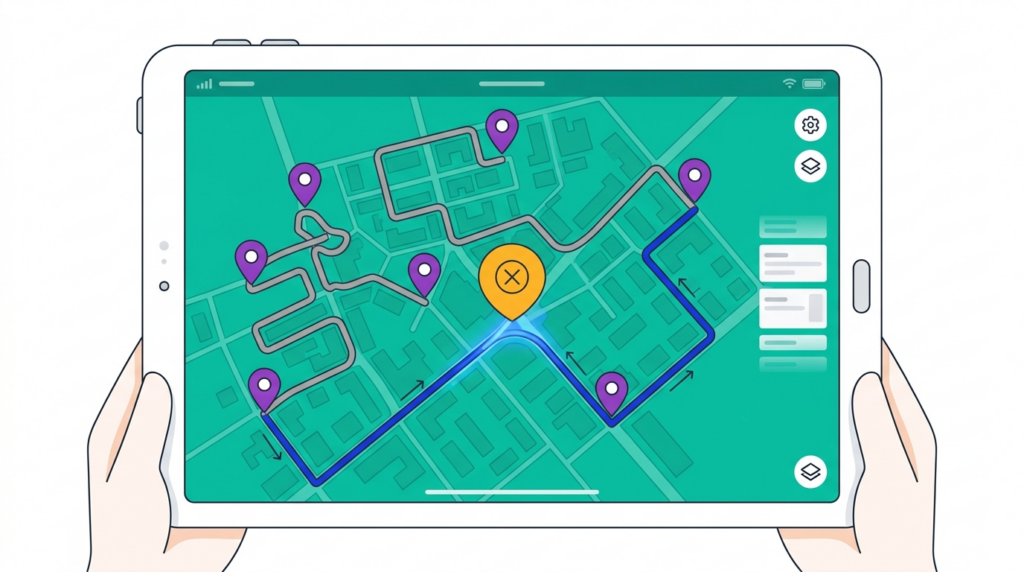
When a customer calls in an emergency at 10am, you need to know which tech can absorb it with the least disruption to their remaining schedule. Good routing software answers that question directly: it shows where each tech is, what they have left, and what the drive-time cost of inserting the emergency looks like at each possible point in each possible route. You pick the least disruptive option instead of defaulting to whoever is closest.
When a job cancels, the same logic runs in reverse — the software collapses the gap and tightens the remaining sequence rather than leaving the tech with a dead hour.
Gives techs a navigable route on their phone
Once the day’s routes are optimized, techs should receive a clear, navigable sequence on their phone — not a list of addresses to puzzle through, but a turn-by-turn ordered route. This takes the “where am I going next?” decision off the tech’s plate and ends the common pattern of techs quietly resequencing their own day on the road, each optimizing their own hours rather than the whole board.
The three kinds of tools HVAC operators actually compare
Most shortlists end up mixing three different categories of product, which is why comparisons get confusing. They solve overlapping but distinct problems:
| Consumer mapping apps | Routing built into an FSM platform | Dedicated routing software | |
|---|---|---|---|
| Typical example | Google Maps, Apple Maps | The scheduling tab of a full field service suite | A purpose-built multi-stop optimizer |
| Multi-tech optimization | No — one route at a time, one device at a time | Sometimes, often basic | Yes, across the whole fleet in one pass |
| Time windows and job durations | No | Usually, tied to the job record | Yes, as hard constraints on the solve |
| Mid-day resequencing | Manual re-entry | Varies; often a manual drag-and-drop | Yes, with the drive-time cost shown per option |
| Territory handling | No | Sometimes | Yes |
| Cost | Free | Bundled into a larger per-user platform fee | Per-driver subscription |
| Best fit | A single tech with a handful of stops | Shops that need invoicing, CRM, and dispatch in one system and can accept basic routing | Operations where drive time is a real cost line and route quality drives daily capacity |
The practical read: consumer mapping apps stop scaling the moment you have a second truck and a time window. FSM routing is convenient if you’re already committed to the platform, but routing is rarely where those products invest — it’s a checkbox feature next to invoicing and customer records. Dedicated routing software is worth it when the sequencing itself is costing you real money, which for most HVAC shops arrives somewhere around the third or fourth truck.
None of these are mutually exclusive. Plenty of operators run an FSM for customer records and billing and a dedicated router for the daily board.
What to look for when evaluating HVAC routing software
Not all routing software is designed with field service in mind. Here’s how to cut through the noise:
Multi-technician optimization in a single pass
Some tools optimize one route at a time. For HVAC with multiple techs, you want a tool that optimizes across all techs simultaneously — balancing workload, minimizing total company-wide drive time, and respecting individual tech territories. Single-route tools push the balancing work back onto the dispatcher, which is slow and usually leaves efficiency on the table.
Real drive-time data, not straight-line distance
This matters most in dense markets and markets with heavy traffic variance. Straight-line optimization produces routes that are efficient on a map but not on the road. Look for software that uses real road-network and traffic data rather than distance as the crow flies, especially if you operate in a metro area with predictable congestion patterns.
Territory support
For HVAC companies with multiple techs and defined service zones, territory management prevents the chronic problem of techs crossing zones unnecessarily. Good software lets you define territories and weight routes toward keeping techs in their assigned areas — while still allowing exceptions when emergency dispatch requires it.
A dispatch interface your dispatcher will actually use
If your dispatcher has to spend forty-five minutes setting up tomorrow’s routes, the software isn’t saving time — it’s adding a step. Watch how quickly a dispatcher can import the day’s jobs, run the optimization, make manual adjustments, and push routes to techs. If the demo takes more than a few minutes to produce a working route, assume daily use will be at least that slow.
A mobile app that works in the field
The tech experience matters as much as the dispatcher experience. A route that’s optimally sequenced but delivered as a list of addresses in an email isn’t much of an upgrade. Look for a mobile experience where techs can see their full route, navigate to each stop, and update job status — with updates syncing back to the dispatcher in real time.
Pricing that matches how you grow
Routing costs should scale with trucks on the road, not with office seats or job volume. Per-driver pricing is the cleanest model for HVAC because it maps directly to the thing routing software affects. Watch for platforms that bundle routing into a larger per-user fee — you can end up paying for CRM and invoicing modules you already have elsewhere.
How HVAC routing software fits into your broader operation
HVAC routing software handles the geographic layer of your scheduling problem — stop sequence, drive time, territory balance. It doesn’t handle the full scheduling problem: technician certifications, parts availability, customer preference history, contract SLAs, or invoicing.
For companies already using a field service management (FSM) platform, routing software typically complements it. The FSM handles job creation, customer records, and invoicing. Routing software handles “given these jobs, which tech goes where, in what order.”
If you’re not using an FSM yet, a route CRM is a lighter-weight starting point — it combines basic customer records with route planning, which is often the right fit for small-to-mid-size HVAC operators who don’t need the full complexity of enterprise FSM software.
Two related pieces are worth reading alongside this one. Our breakdown of how HVAC companies use route optimization to fit more jobs per day shows where the recovered hours actually come from, and HVAC dispatch software vs. manual scheduling walks through how to measure the drive time your current process is losing before you buy anything.
What HVAC routing software won’t fix
Routing software is a force multiplier on a good operation. It’s not a fix for underlying problems:
An overbooking problem. If dispatchers are scheduling more jobs than techs can realistically complete, routing software will efficiently sequence jobs that still can’t all get done. That’s a booking-practice fix, not a routing fix.
Inaccurate job time estimates. Routing software is only as good as the durations you feed it. If you budget forty-five minutes for jobs that routinely run ninety, the schedule breaks no matter how well the stops are sequenced. Before implementing, it’s worth auditing your average actual job time by job type.
A reactive dispatch culture. Some HVAC operations are almost entirely reactive — no scheduled routes, just emergency-to-emergency response. Routing software delivers the most value when there’s a baseline of scheduled maintenance and recurring calls to optimize. Pure reactive dispatch still benefits from better real-time resequencing, but the gains are smaller.
Frequently asked questions
What is HVAC routing software?
HVAC routing software is a tool that optimizes the sequence and assignment of service calls across a technician fleet to minimize total drive time and fuel cost. At its core it’s a multi-stop route optimizer adapted for field service work — handling time windows, technician territories, real-time resequencing, and mobile navigation for techs on the road.
What’s the difference between HVAC routing software and HVAC dispatch software?
The terms overlap heavily. “Routing software” emphasizes the sequencing engine; “dispatch software” emphasizes the daily workflow around it — assignment, mid-day changes, and communication with techs. Most tools worth evaluating do both. Our comparison of HVAC dispatch software and manual scheduling goes deeper on the dispatch side.
Does HVAC routing software integrate with scheduling tools?
It depends on the software. Some routing tools integrate with common FSM or scheduling platforms via API or file export; others operate standalone. For operators using a basic scheduling spreadsheet or CRM, standalone routing software is often the simpler starting point — import your job list, optimize, and push routes to techs.
Is HVAC routing software worth it for smaller companies?
For a one- or two-tech operation where a dispatcher knows every customer personally and builds routes from memory, the manual process is usually manageable. The break-even point typically shows up around three to five techs, where manual route-building starts eating meaningful time each morning and route quality gets inconsistent from tech to tech.
How quickly does HVAC routing software pay for itself?
The payback timeline depends on how inefficient your current routes are. Companies switching from manual routing to software often see the biggest single gain in the first month, from one reoptimization of standard routes that haven’t been formally reviewed in over a year. Ongoing savings come from consistent daily optimization and faster emergency resequencing. The reliable way to estimate your own number is to re-run one real week of completed schedules through an optimizer and compare.
Can HVAC routing software handle emergency dispatch?
Yes — most dedicated routing tools handle mid-day resequencing. When an emergency call comes in, the software shows which tech can absorb it with the least disruption to their remaining scheduled calls, lets the dispatcher insert it at the optimal point in the route, and pushes the updated sequence to the tech’s phone.
Getting started with Route Planner AI
Route Planner AI gives HVAC operators multi-stop route optimization, technician territory management, and mid-day resequencing — without the complexity of enterprise FSM software. See how it works for HVAC routing and dispatch teams specifically. Plans start at $39.99 per driver per month.
If your dispatchers are currently building routes by hand each morning, or your techs are making their own sequencing decisions on the road, the first optimized run usually produces a noticeably tighter schedule — and that improvement repeats every day. Start a free trial and run a real week of your actual routes through it to see how they compare.