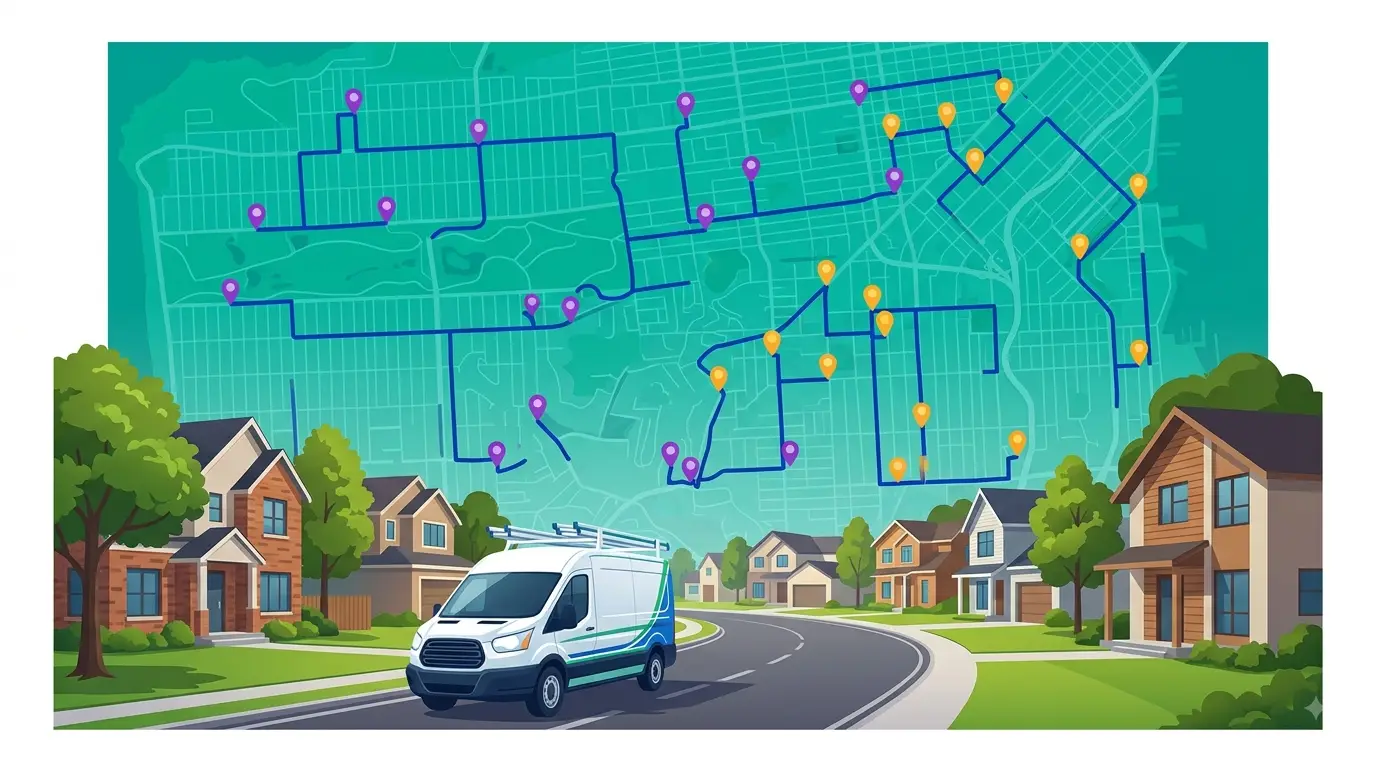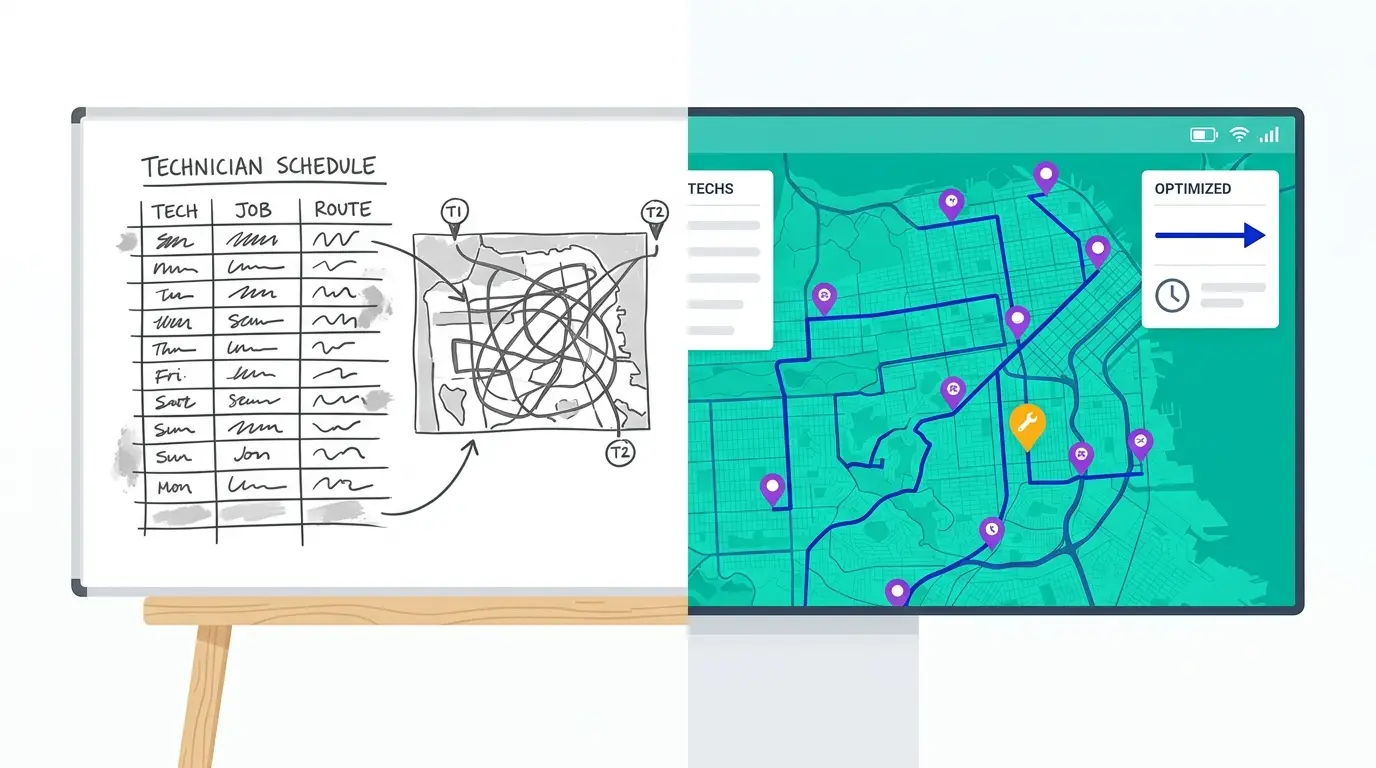
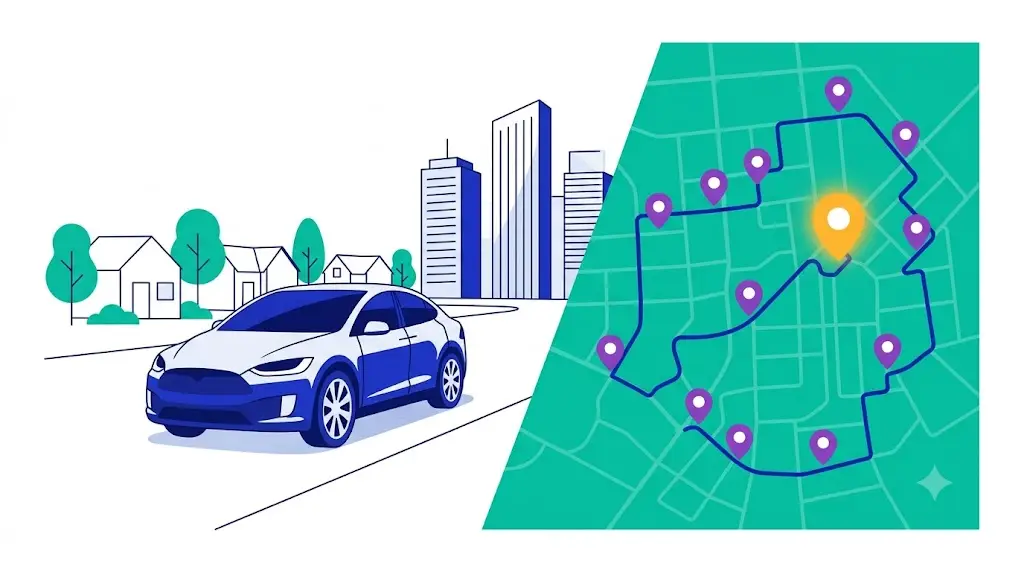
Route planning for sales reps is the quiet difference between a rep who sees eight accounts a day and one who sees five — calling on the same territory, with the same hours, in the same truck or car. The selling work doesn’t change. What changes is how much of the day gets eaten by driving between accounts that were visited in the order they came to mind rather than the order that makes geographic sense. For an outside sales team, windshield time isn’t just a cost — it’s selling time that never happened.
This guide covers route planning for sales reps end to end: what it actually means for a field sales team, why it matters more than most managers assume, how it differs from delivery and service routing, and a practical, repeatable way to plan sales routes — by hand or with software — so reps spend more of the day in front of customers and less of it behind the wheel.
What route planning for sales reps actually means
Route planning for sales reps is the practice of deciding which accounts a rep visits, in what order, and on which days — so the rep covers the territory with the least wasted driving while still hitting every account at the right frequency. It sounds simple. In practice it’s a balancing act between geography, account value, visit cadence, and the appointments and priorities that shift week to week.
It’s worth separating two things that often get lumped together. Navigation tells one rep the fastest way to one address; any phone map does that. Route planning, or route optimization, looks at the whole list — every account a rep needs to see, every time window, every priority — and works out the sequence that covers all of it efficiently. A sales rep with a dozen accounts to fit into a day isn’t asking “how do I get to this one customer?” They’re asking “what’s the smartest loop through all twelve?” Those are different problems, and the second one is where most of the lost time hides.
For outside sales specifically, route planning also carries weight a delivery route never does: the goal isn’t only to minimize miles. It’s to make sure the right accounts get the right face time at the right intervals, and that the rep’s day is built around selling, not logistics.
Why route planning matters more for sales than people think
In delivery and field service, the value of efficient routing is obvious — fewer miles means lower fuel costs and more stops completed. In sales, the same efficiency converts into something more valuable: time in front of customers.
Every hour a rep spends driving is an hour not selling. That’s the core of it. A field sales rep who criss-crosses a territory because accounts were sequenced by habit or by whoever called last can easily lose a meaningful slice of the day to avoidable driving. Tighten that same set of visits into a logical geographic loop and the recovered time goes straight back into selling — another account visited, a longer conversation with a key customer, or simply a day that doesn’t end with two planned calls skipped because the afternoon ran out.
The compounding effect is what makes it matter. A rep doesn’t plan one route — they plan a route every working day, week after week. A modest amount of drive time recovered per day, repeated across a full sales team across a full year, is a large amount of selling capacity that costs nothing extra to unlock. No new hires, no bigger territory, no longer hours. Just less motion wasted between the visits the rep was already going to make.
There’s a quieter benefit too. Reps who spend less of the day fighting their own schedule are less worn down by it. The grind of an inefficient territory — the doubling back, the “I’m already on the other side of town” frustration — is a real drag on morale and consistency. A sensible route is easier to actually follow, which means the plan made on Monday is more likely to survive the week.
How sales route planning differs from delivery and service routing
It’s tempting to treat all routing the same, but planning a sales rep’s week has constraints a delivery run doesn’t. Understanding the differences is what separates a route that looks efficient on a map from one that actually works for a sales team.
Visit cadence, not one-and-done. A delivery is a single event — drop the package, move on. Sales accounts need to be seen on a rhythm: a top account every two weeks, a mid-tier account monthly, a prospect when there’s an opening. Good sales route planning isn’t just about today’s loop; it’s about making sure each account gets visited at the right frequency over time, not whenever the rep happens to be nearby.
Priority outranks pure efficiency. The mathematically shortest route isn’t always the right one. A key account that needs attention this week belongs on the schedule even if it sits slightly off the tightest loop. Sales routing has to weigh account value and urgency against raw drive-time savings, where a delivery route can optimize for distance alone.
Flexible stops and same-day adds. A rep’s day shifts. A customer calls wanting to meet, a hot prospect opens up, a planned visit falls through. Sales route planning has to absorb those changes without forcing the rep to rebuild the whole day from scratch — closer to a living plan than a fixed manifest.
Territories and balance. Across a team, route planning ties into how territories are drawn and how evenly the work is spread. A territory that forces one rep into constant long-haul driving while another covers a tight cluster isn’t just inefficient — it’s unfair, and it shows up in results. Sales route planning and territory design are two sides of the same coin.
Get these differences right and the routing supports the selling. Get them wrong — by optimizing purely for miles — and you end up with a tidy-looking map that ignores which customers actually needed to be seen.
How to plan sales routes: a practical approach
Whether you do this on a paper map or in dedicated software, the underlying method is the same. Here’s a repeatable way to plan sales routes that holds up week to week.
Start by mapping your accounts
You can’t sequence what you can’t see. The first step is getting every account onto a map — customers and active prospects, with enough detail to know who they are and how important they are. Even a rough plot reveals patterns that a list in a spreadsheet hides: the cluster of accounts in one suburb, the lone customer an hour out who keeps wrecking otherwise tight days, the part of the territory that’s quietly underserved.
Prioritize by value and cadence
Before sequencing anything, decide who needs to be seen and how often. Rank accounts by value and by the visit frequency each one warrants — your best accounts on a tight rhythm, mid-tier accounts less often, prospects worked in around them. This is the layer that keeps efficiency honest: the route exists to serve the right visit pattern, not the other way around.
Cluster geographically
With priorities set, group accounts by area so a day’s work lives in one part of the territory rather than scattered across all of it. The aim is to turn a sprawling list into a handful of tight daily loops — one region today, an adjacent one tomorrow — instead of a rep zig-zagging back and forth across the whole map in a single day. Clustering is where the biggest, most obvious drive-time savings come from.
Sequence each day for the shortest sensible loop
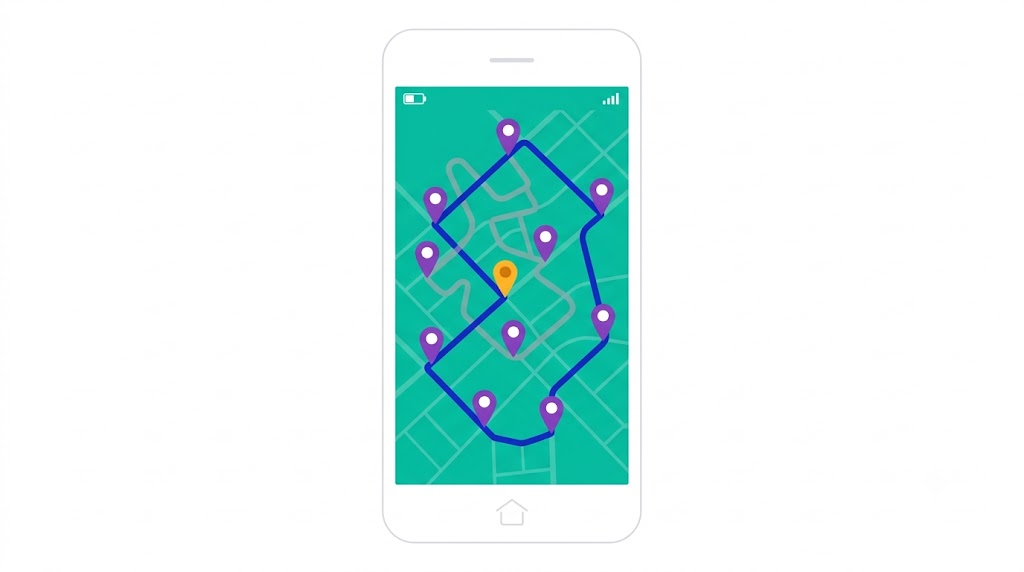
Within each day’s cluster, order the stops so the route flows as a logical loop rather than a series of backtracks. Account for the practical realities: a customer who only takes meetings in the morning, the lunch window, the account that needs a longer sit-down. Done by hand for a handful of stops this is manageable; done for a dozen-plus accounts with time windows, it’s exactly the kind of problem that’s hard to solve in your head and easy to get wrong — which is where software starts to earn its place.
Build in room for changes
A sales route is never going to run exactly as drawn, so plan for that. Leave a little slack for the same-day customer request or the prospect who suddenly opens up, and have a quick way to slot a new stop into the day without unraveling the rest of it. The goal isn’t a rigid schedule — it’s a strong default plan that bends without breaking.
Push the plan to the rep’s phone and CRM
A route only pays off if it survives contact with the field. The finished plan should land on the rep’s phone as a clear, ordered sequence — not a list of addresses to puzzle over between calls — and ideally connect to wherever account information already lives, so the rep has context at each stop. When the plan is easy to follow, reps actually follow it instead of quietly improvising a less efficient day on the road.
Manual route planning vs. software for sales reps
Plenty of reps plan routes by hand, and for a small, stable territory that can be enough. The honest comparison is about where each approach breaks down.
Manual planning — a paper map, a notebook, or Google Maps with a handful of pinned addresses — is free and familiar. It works when a rep has a short list of accounts in a compact area and the week rarely changes. Its limits show up fast as complexity grows: more accounts, wider territory, time windows, and frequent changes turn manual sequencing into guesswork. A person simply can’t hold every combination of a dozen stops in their head, so manual routes almost always leave some drive time on the table — not from carelessness, but from the sheer size of the problem.
Sales route planning software exists to handle exactly that complexity. You feed it the accounts, the priorities, and the constraints, and it returns an optimized sequence in seconds — then re-optimizes just as fast when the day changes. The trade-off is the small overhead of setting up and learning a tool. For a rep with a handful of accounts and a quiet territory, manual may stay good enough. For a rep juggling dozens of accounts across a real metro, or a manager trying to keep a whole team’s routes sane and territories balanced, software is what keeps the planning from becoming a second job.
The practical test is simple: if you’re spending real time each week building routes by hand, or your reps are routinely resequencing their own days on the fly, you’ve outgrown manual planning.
What to look for in sales route planning software
Not every routing tool is built with outside sales in mind — many are designed for delivery or dispatch and bolt sales on as an afterthought. A few things matter specifically for a field sales team:
Multi-stop optimization, not just navigation. The tool should sequence a full day of accounts at once, not just route you to the next address. This is the core capability; without it you have a map, not a planner.
Account priority and visit frequency. Look for the ability to weight accounts by value and set how often each should be seen, so the route serves your call cadence instead of optimizing blindly for distance.
Easy mid-day changes. Adding, removing, or reordering a stop should take seconds and re-optimize the rest of the day automatically — because sales days change constantly.
Customer context where you need it. Routing that connects to account information — history, notes, last visit — keeps the rep informed at each stop. A route CRM that combines routing with customer data is especially valuable here, because it puts stop-level context alongside the optimized sequence instead of in a separate system.
Mobile-first for the road. The rep lives in the field, so the experience on a phone matters more than the one on a desktop. Clear turn-by-turn sequencing, easy to follow between calls.
Territory and team view for managers. If you’re running a team, the tool should help balance workloads and keep territories sensible across reps, not just optimize one person’s day.
You don’t need every feature on day one, but multi-stop optimization and easy changes are non-negotiable for sales. The rest is about how well the tool fits the way your team actually works.
Where sales route planning fits with your CRM
Route planning doesn’t replace your sales stack — it makes the field side of it run leaner. Your CRM holds the relationships, the pipeline, and the history; route planning is what gets the rep efficiently in front of those relationships in person.
The two work best together. A plan that’s disconnected from your account data means the rep is flipping between a routing app and a CRM all day, and the route has no idea which accounts are overdue for a visit or flagged as priorities. When routing and customer data live in one place, the day’s loop is informed by who actually needs to be seen, and every visit can be logged against the right account without double entry. Our guide to the route CRM covers how that combination works in practice, and for teams whose whole motion is built around field visits, our dedicated sales route planner page goes deeper on the sales use case specifically.
The takeaway is that route planning isn’t a standalone trick for shaving miles. It’s the piece of the sales workflow that turns a list of accounts and a territory into a sensible, followable day — and it pays off most when it’s wired into the customer data the rep already relies on.
Getting started with Route Planner AI
Route Planner AI gives outside sales teams multi-stop route optimization, account prioritization, and fast mid-day resequencing — without the overhead of heavyweight enterprise platforms built for delivery fleets. For teams whose day revolves around field visits, the sales route planner is built around exactly this workflow. Plans start at $39.99 per driver per month.
If your reps are planning routes in their heads each morning, or rebuilding the day every time a customer request lands, the simplest way to see the difference is to run a real territory through it. Start a free trial and compare an optimized day of accounts against the route you’d have planned by hand.
Frequently asked questions
What is route planning for sales reps? It’s the practice of deciding which accounts a rep visits, in what order, and on which days, so the territory gets covered with the least wasted driving while every account still gets seen at the right frequency. The goal is to convert drive time into selling time.
How is sales route planning different from delivery routing? Delivery routing optimizes mainly for distance and completed drops. Sales route planning also has to account for visit cadence, account priority, frequent same-day changes, and how territories are balanced across a team — so the route serves the selling, not just the miles.
Can’t a sales rep just use Google Maps? A map app routes one person to one destination. It won’t sequence a full day of accounts, weight them by priority, or re-optimize when the day changes. For a handful of stops in a tight area it can be enough; beyond that, dedicated route planning saves real time a single-destination map can’t.
Do I need software, or can I plan routes by hand? For a small, stable territory, manual planning can work. It breaks down as accounts, territory size, time windows, and changes pile up — a person can’t sequence a dozen-plus stops optimally in their head. If you’re spending real time each week building routes by hand, you’ve likely outgrown the manual approach.