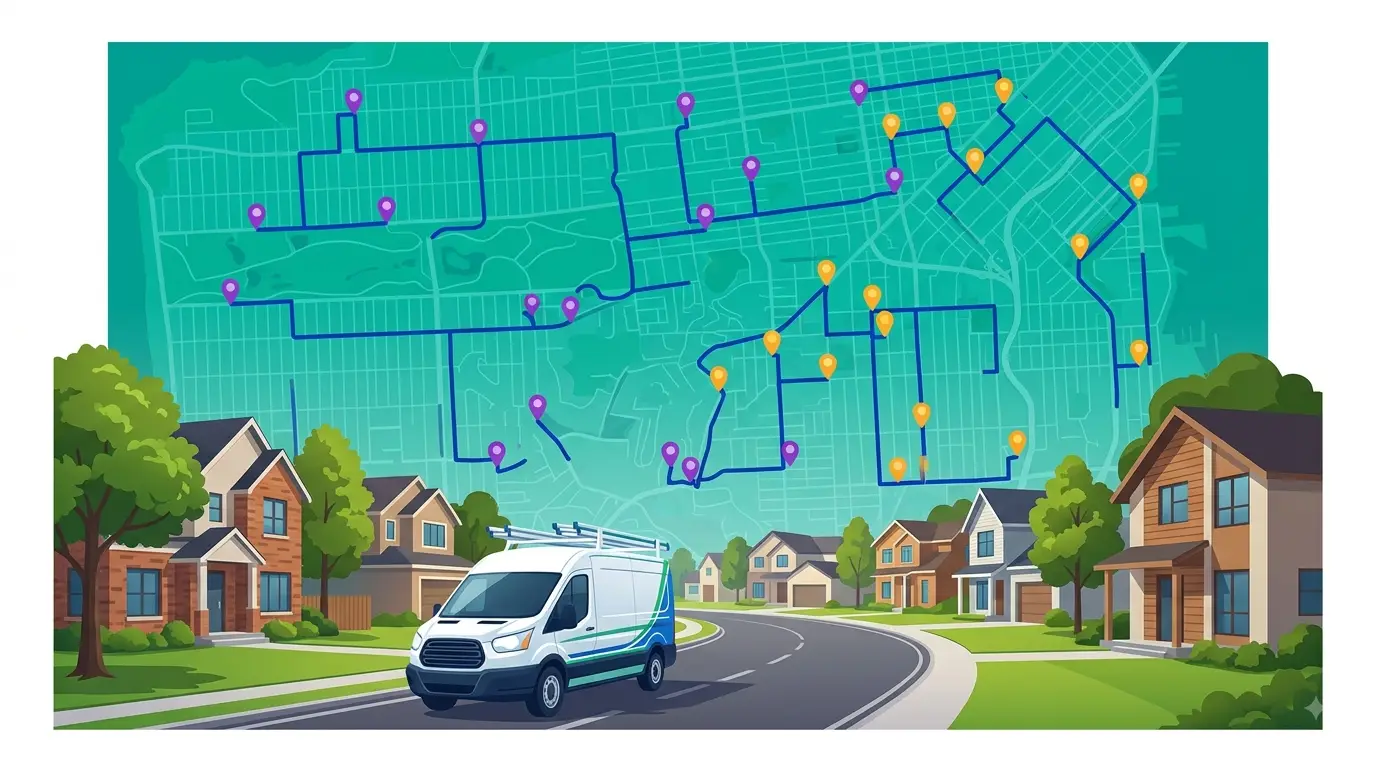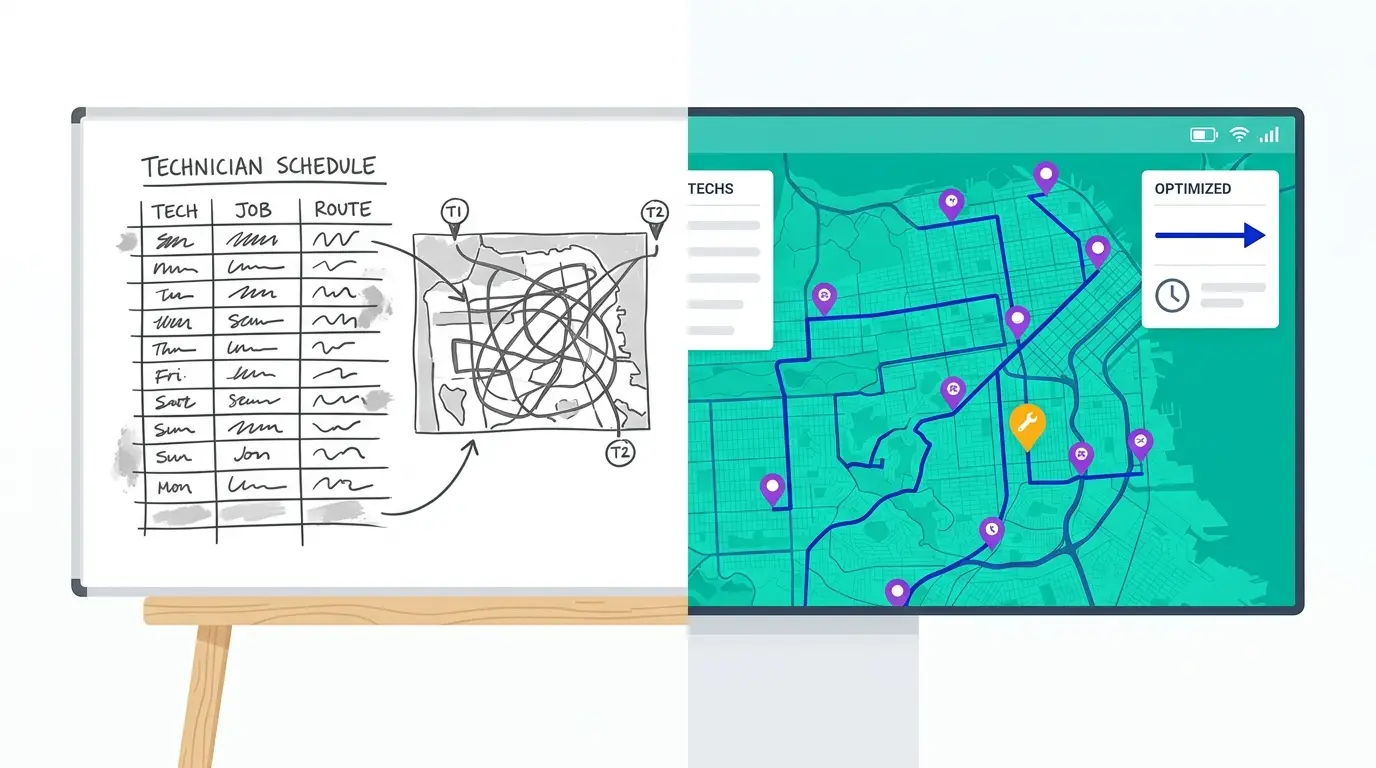
If you’re running routes on Google Maps and a whiteboard, you’re not alone. Most pest control operators start that way — and plenty stick with it longer than they should, because the pain builds gradually and rarely triggers an obvious crisis. Routes get slower, fuel costs creep up, the dispatcher spends two hours a morning rebuilding what should take twenty minutes. Nothing breaks. It just gets harder.
This post walks through what pest control CRM software actually changes, with a direct comparison to the manual process on the dimensions that matter most to a growing operation: time, fuel, dispatcher load, and route consistency.
How most pest control operators plan routes manually
Manual route planning for pest control tends to follow one of two patterns.
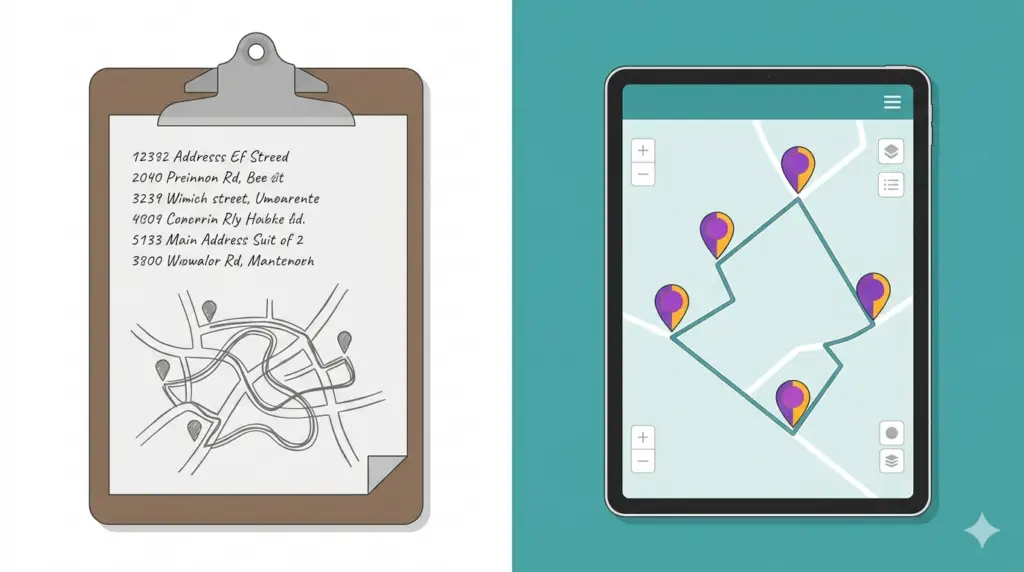
The first is the spreadsheet-plus-Google-Maps approach. Customer addresses are in a spreadsheet (or the service software). The dispatcher exports the day’s stops, opens Google Maps, and either pastes addresses in or drops pins by memory. Stop order gets set by dragging pins or just guessing proximity. The route goes out via text or a screenshot.
The second is the tech-builds-their-own approach. Experienced techs know their territory and sequence their own stops intuitively. This works surprisingly well for tenured employees — until that tech goes on vacation, turns over, or gets assigned a new zone.
Both approaches have the same structural weakness: the sequencing is based on human judgment rather than drive-time data, and the quality of the route depends on how much time the person building it has and how well they know the territory.
The hidden costs of manual pest control route planning
Manual planning doesn’t look expensive until you add it up across a fleet and a year.
Dispatcher time. On a five-truck operation, rebuilding routes from scratch each morning averages 90 minutes to two hours a day. That’s roughly 500 hours a year of route-building time — time that’s not being spent on scheduling, customer communication, or anything else.
Fuel and drive time. Human route-building tends to produce sequences that are directionally reasonable but not geometrically optimal. On a 25-stop residential route, a poorly sequenced path can add 12 to 18 miles versus an optimized sequence on the same stops. Across five trucks running five days a week, that’s a material fuel line item. See how to reduce drive time between pest control jobs for a detailed breakdown of the specific levers.
Route inconsistency. Manual routes vary day to day based on who builds them and how much time they have. When routes are different every cycle, it’s hard to identify what’s inefficient — and it’s impossible to build a repeatable standard.
Onboarding friction. New techs on manual routes take weeks to learn a territory. Software-built routes with turn-by-turn navigation cut that curve significantly.
What pest control CRM software actually does differently
A CRM for pest control is built around three things manual planning can’t match: automated sequencing, customer data persistence, and recurring-route management.
Automated sequencing means the dispatcher imports stops and the software calculates the optimal order based on real drive-time data — not straight-line distance, not approximation. On a 25-stop route, a routing engine running against live traffic data consistently beats manually-built sequences. The dispatcher’s job shifts from building the route to reviewing and adjusting it.
Customer data persistence means service history, preferred time windows, gate codes, notes, and recurrence frequencies travel with the customer record — not in a tech’s head. When a customer gets reassigned, transferred, or serviced by a different tech, the information is intact.
Recurring-route management handles the repetitive structure of pest control work. Monthly customers get slotted automatically. Quarterly customers surface on the right day without anyone tracking a spreadsheet. Routes update when customers cancel or add services, without rebuilding from scratch.
The category sits at the intersection of route optimization software and field service CRM. Pest control routing software purpose-built for the vertical includes all of these layers in one tool, rather than requiring operators to bolt together a generic CRM with a separate routing add-on.
Manual vs. software: a side-by-side comparison
| Manual (Google Maps + spreadsheet) | Pest control CRM software | |
|---|---|---|
| Route sequencing | Human judgment, quality varies | Algorithm-optimized, consistent |
| Dispatcher time per day | 90–120 min building routes | 15–20 min reviewing and adjusting |
| Drive time per route | Typically 15–25% longer than optimal | Near-optimal based on live traffic data |
| Recurring customer management | Manual tracking, easy to miss | Automated by frequency; surfaces on correct day |
| Tech handoff | High friction; relies on institutional knowledge | Low friction; route and customer data fully portable |
| Mid-day updates | Rebuild partial route by hand | Reoptimize remaining stops in seconds |
| Route consistency | Varies day to day | Consistent across cycles |
| Customer history | In tech’s memory or disconnected notes | Attached to customer record, always accessible |
| Fuel cost | Baseline | Typically 10–20% lower on optimized routes |
The most significant operational difference is the mid-day update scenario. On a manual route, one cancellation mid-morning means the dispatcher rebuilds the affected tech’s afternoon by hand — pulling up Google Maps, dragging pins, re-texting. On software, the dispatcher removes the stop and the route reoptimizes the remaining sequence in under a minute.
When does pest control CRM software pay for itself?
The break-even math depends on fleet size, current inefficiency, and fuel costs. As a rough framework:
One or two trucks: Manual planning is workable. The savings from optimization exist but rarely exceed the cost of the software at this scale. Most one-truck operators manage fine with Google Maps.
Three to five trucks: This is where the ROI usually turns positive within the first month. Fuel savings on optimized routes plus dispatcher time recovered typically covers the subscription cost with room to spare.
Five trucks or more: The ROI is clear and often large. At this scale, manual planning is also a source of inconsistency and dispatcher burnout — problems that don’t show up in fuel costs but do show up in turnover and error rates.
The recurring-route advantage also compounds differently at scale. A one-truck operator with 80 monthly customers can manage recurrences in a spreadsheet. A five-truck operator with 400 monthly customers spread across 20 service days needs a system.
Frequently asked questions
Is a CRM for pest control the same as routing software?
Not exactly, but the best pest control platforms combine both. A CRM handles customer data, service history, notes, and billing. Routing software handles stop sequencing and drive-time optimization. A pest control company CRM built for the vertical integrates both — so when you pull up tomorrow’s route, the customer’s service history, notes, and recurrence schedule are already there alongside the optimized stop sequence.
Can I use Google Maps for pest control route planning?
Google Maps handles turn-by-turn navigation well but doesn’t optimize stop sequences across multiple addresses. You can manually order stops and use Google Maps to navigate them — which is what most manual operators do. The limitation is that the sequencing is done by hand, which takes time and produces inconsistent results on routes with more than eight to ten stops.
What happens when a customer cancels mid-day?
On a manual route, the dispatcher removes the stop and rebuilds the remaining sequence by hand. On a dedicated pest control CRM, you remove the stop and the routing engine reoptimizes the remaining addresses in seconds, accounting for current drive-time data.
How long does it take to switch from manual to software routing?
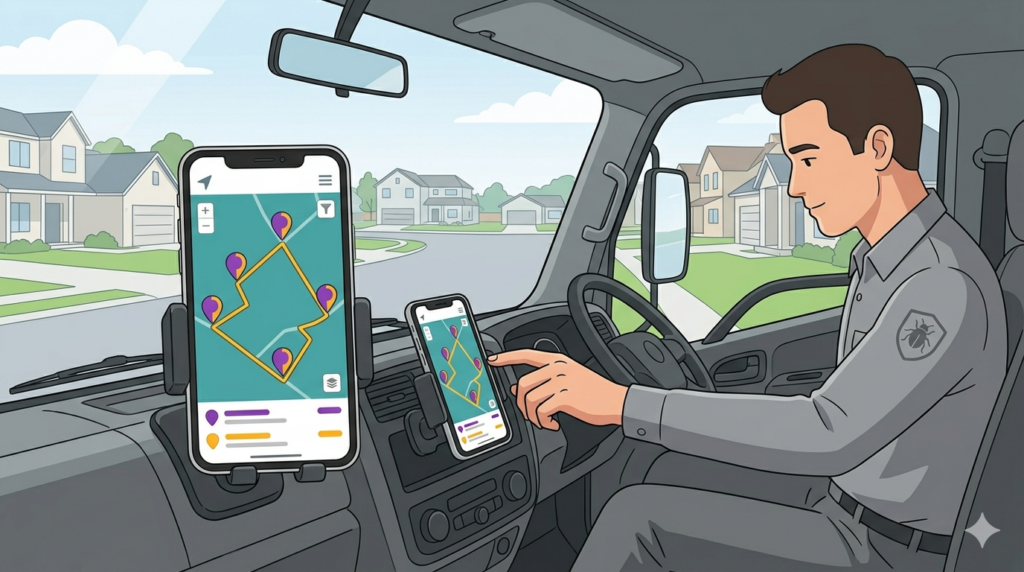
Most operators are running optimized routes within the first two to three days of setup. The main setup tasks are importing the customer list, assigning service days, and setting recurrence frequencies. Techs typically need an hour of orientation on navigating from the app rather than a texted screenshot.
Getting started with Route Planner AI
Route Planner AI gives pest control operators route optimization, recurring-customer management, and live route dispatch in one tool — no enterprise complexity, no implementation project. Plans start at $39.99 per driver per month.
If you’re currently planning routes in Google Maps or a spreadsheet and you’re running three or more trucks, the dispatcher time recovery alone typically covers the software cost within the first month. Start a free trial and run your current routes through the optimizer to see the difference.