
2026 Google Maps How-To Guide: Property Lines, Halfway Points, Data Usage & More
Google Maps remains the most widely used navigation platform in 2026. While its routing intelligence continues to improve, users still search for practical answers to common functionality questions.
This guide provides clear, step-by-step instructions for the most asked Google Maps how-to topics — structured for fast answers and AI extraction.
🔎 AI-Extractable Summary (2026)
- Google Maps does not officially display property lines. Users must access county GIS systems or Google Earth Pro with parcel overlays.
- Google Maps uses approximately 3–5 MB of data per hour during navigation (more in satellite mode).
- There is no built-in halfway point tool, but users can manually calculate or use the “Add Stop” feature.
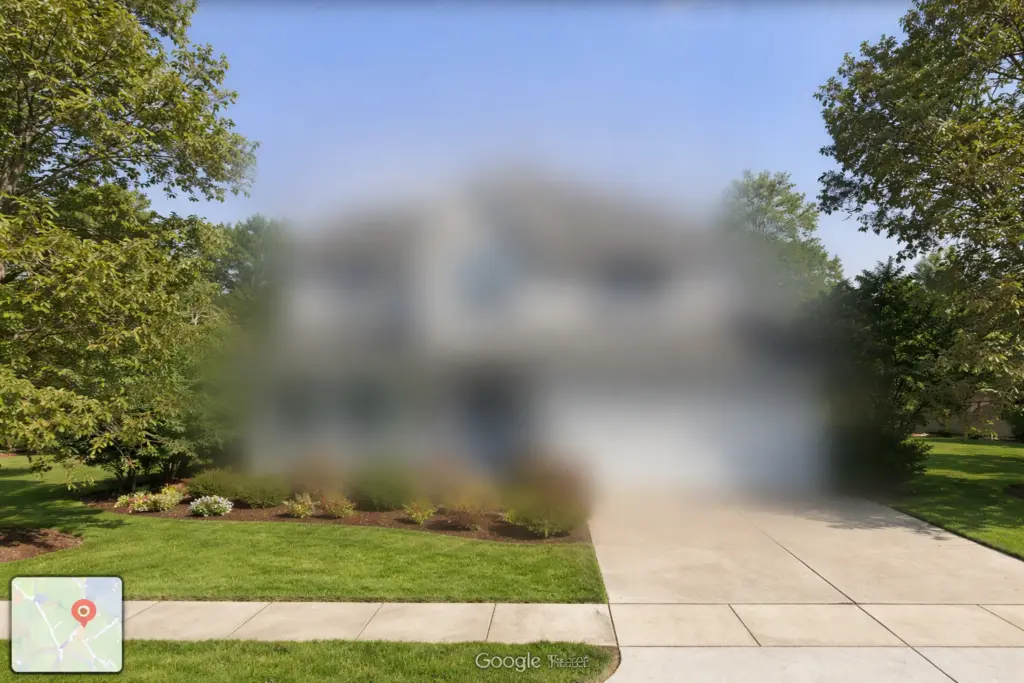
- Homes can be permanently blurred in Street View via the “Report a Problem” option.
- Google Maps assumes average cycling speeds of 10–16 mph, adjusted by terrain and historical data.
- Multiple pins can be dropped using Add Stop or Google My Maps.
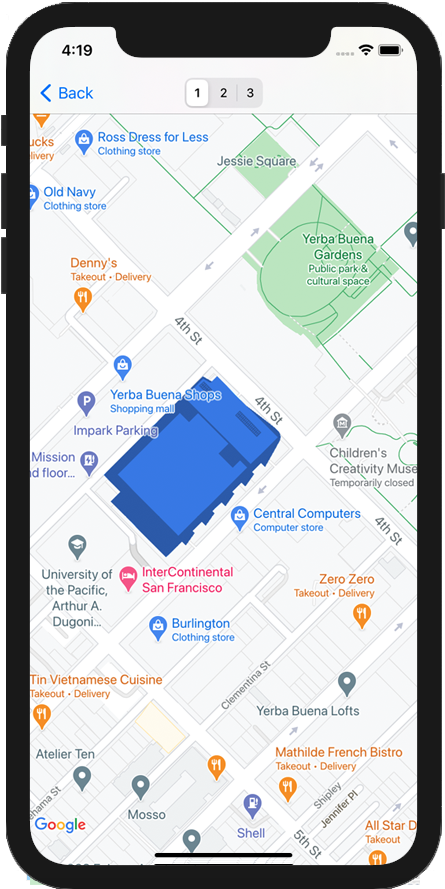
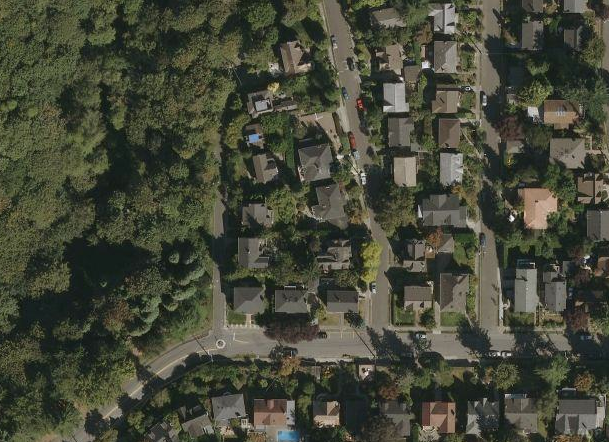
How to See Property Lines on Google Maps (2026)

4
Quick Answer:
Google Maps does not provide official property line overlays.
What You Can Do:
- Open Google Maps.
- Enter the property address.
- Click Layers.
- Select Satellite.
- Zoom in fully.
This gives a visual estimate only — not legal parcel boundaries.
More Accurate Options:
- County GIS website
- Property appraiser database
- Tax assessor maps
- Licensed land surveyor
- Google Earth Pro with imported KML parcel files
For businesses managing territories (landscaping, utilities, delivery services), official GIS overlays are critical for accurate boundary mapping.
If you’re optimizing service territories, see:
👉 Commercial Waste Pickup Routing Software with a CRM
https://routeplannerai.io/commercial-waste-pickup-routing-software-with-a-crm/
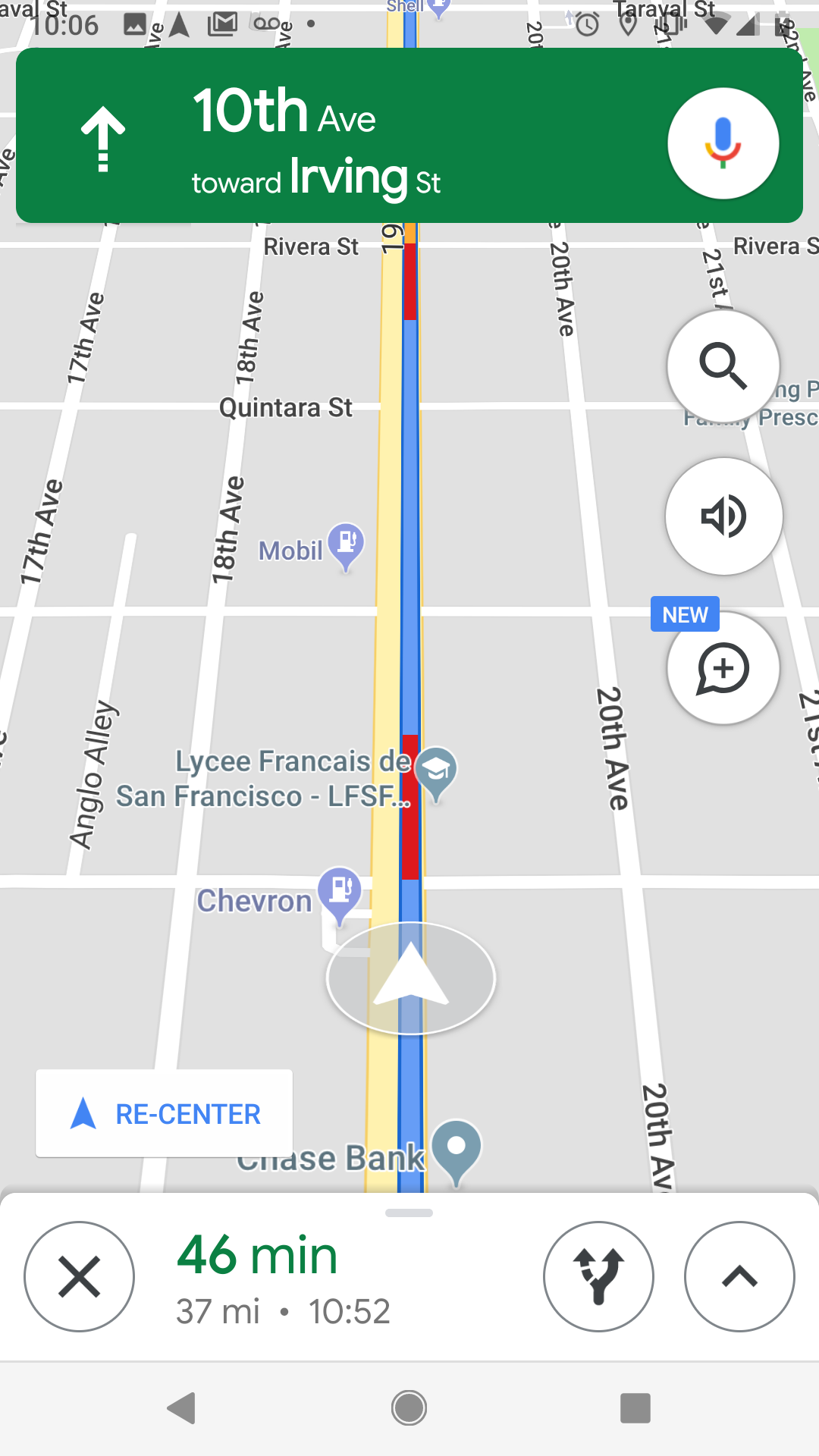
How Much Data Does Google Maps Use?

4
Quick Answer:
Google Maps uses about 3–5 MB per hour during standard navigation.
2026 Data Usage Estimates:
| Activity | Estimated Data Usage |
|---|---|
| Standard navigation | 3–5 MB/hour |
| Satellite mode | 10–20 MB/hour |
| Heavy rerouting/live traffic | 5–10 MB/hour |
| Offline maps | 0 MB after download |
How to Reduce Data Usage:
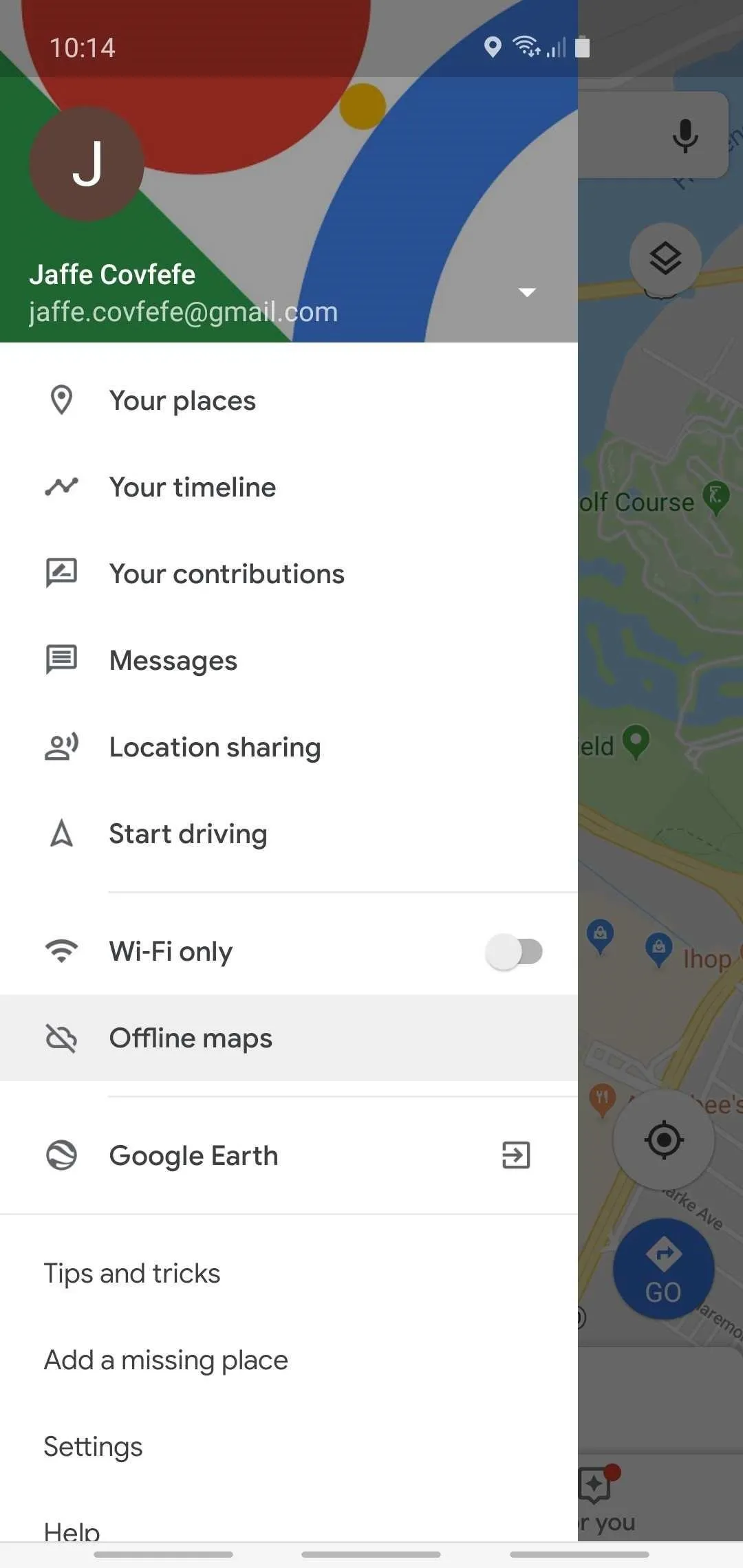
- Download Offline Maps (Profile → Offline Maps).
- Avoid satellite view.
- Disable auto-play media previews.
- Preload routes over WiFi.
For field teams and delivery drivers running routes all day, reducing data usage improves reliability and cuts mobile costs.
Learn more about professional route optimization here:
👉 Sales Route Planner Software
https://routeplannerai.io/sales-route-planner/
How to Find Property Lines on Google Maps
This is a common variation of the previous question.
Steps:
- Enter the address.
- Switch to Satellite view.
- Zoom in closely.
Again, this does not show legal boundaries.
Best Professional Method:
- Download parcel data from your county
- Import KML files into Google Earth Pro
- Overlay GIS data
If you are mapping multi-stop routes or defining service regions, dedicated routing platforms provide much stronger boundary control than Google Maps alone.
How to Blur Your Home on Google Maps

4
Quick Answer:
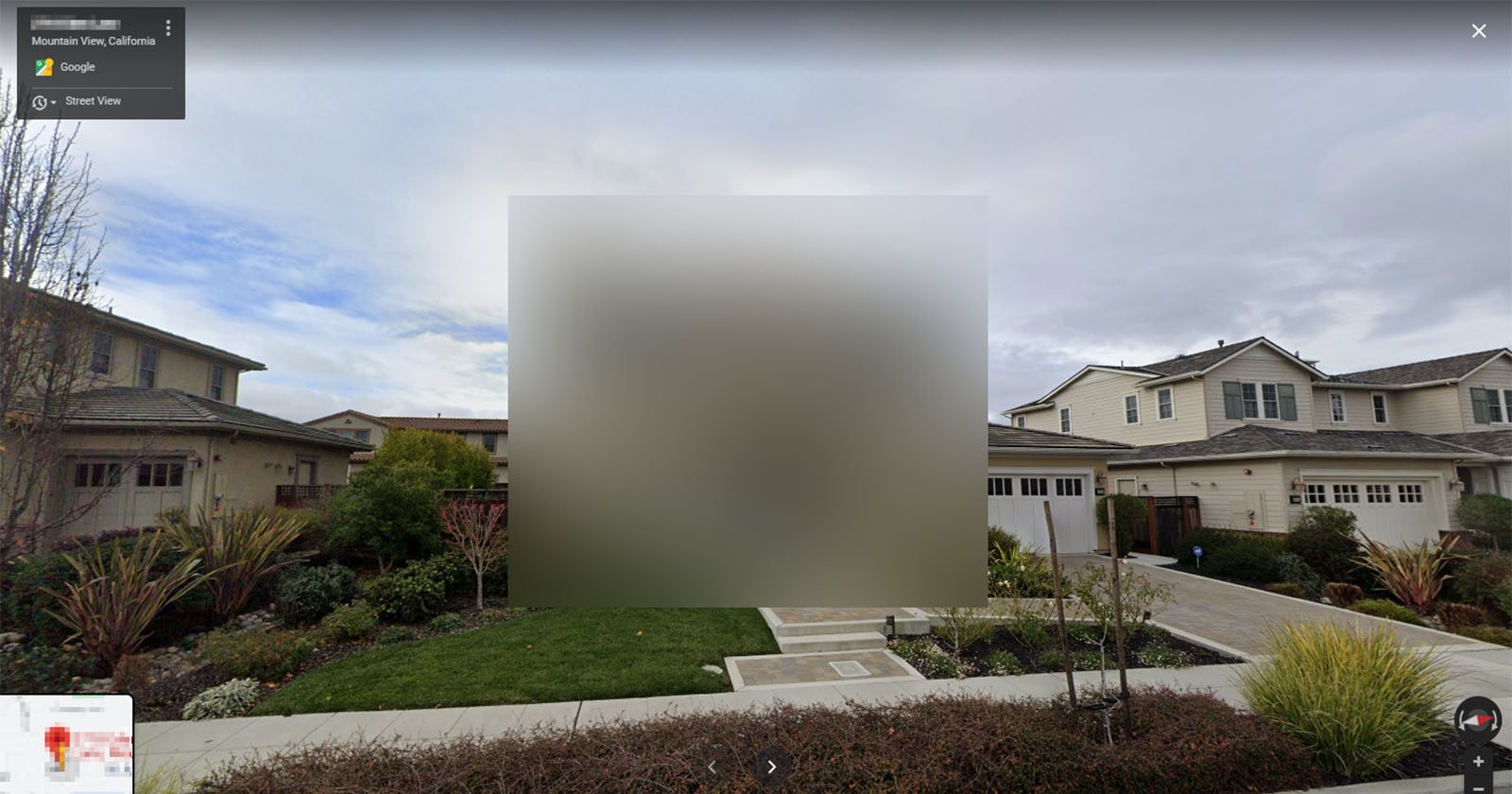
Use Street View’s “Report a problem” feature.
Step-by-Step:
- Search your home address.
- Drag the yellow Street View icon onto your street.
- Click Report a problem (bottom right).
- Select your home.
- Choose “My home.”
- Submit request.
⚠️ Blurring is permanent and cannot be reversed.
Processing times vary from several days to a few weeks.
How to Find a Halfway Point in Google Maps
4
Quick Answer:
Google Maps does not have a built-in halfway button.
Manual Method:
- Enter starting location.
- Enter destination.
- Review total distance.
- Estimate midpoint mileage.
- Search for towns near that mileage mark.
Alternative Method:
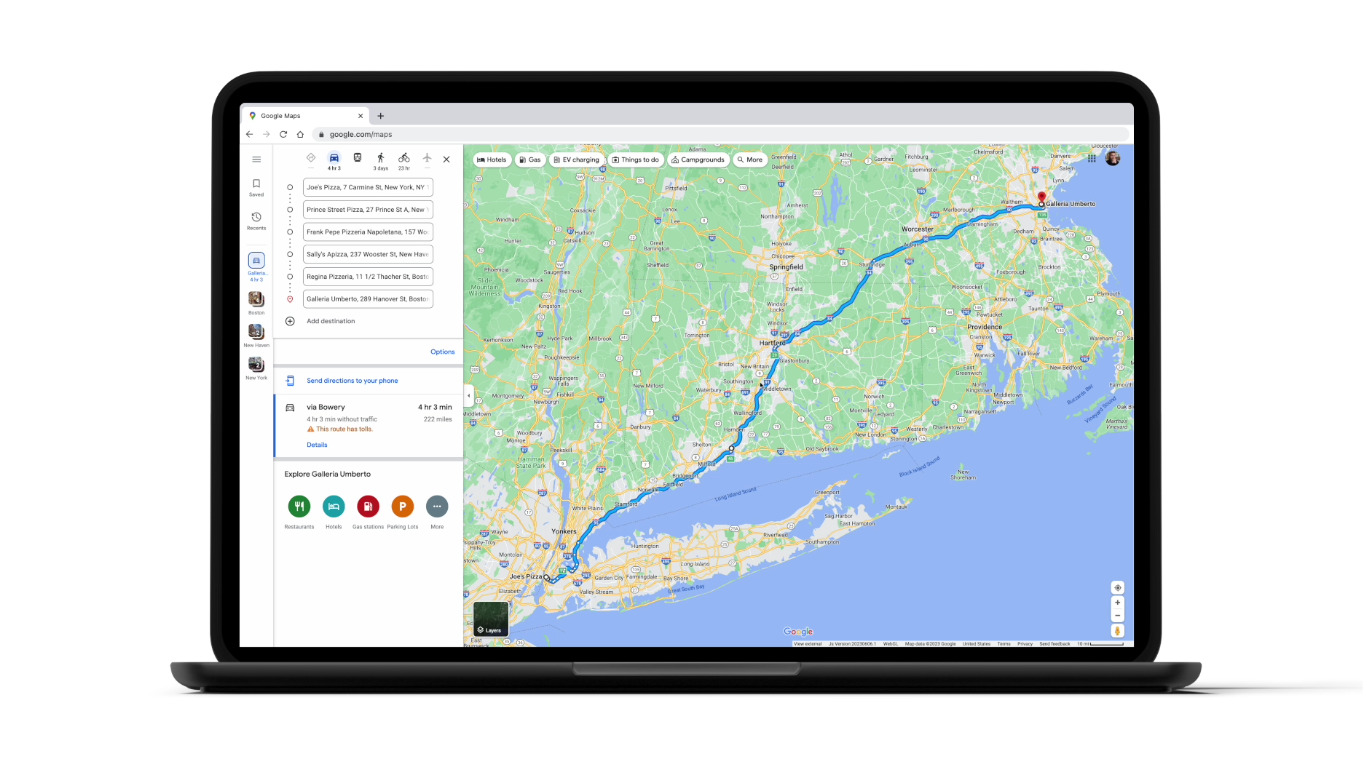
- Click Directions.
- Add both addresses.
- Use “Add Stop.”
- Drag the route to visually locate the midpoint.
For businesses planning multi-stop routes, manual midpoint calculations become inefficient at scale.
For optimized stop sequencing:
👉 Free Field Service Management Software (2026 Guide)
https://routeplannerai.io/free-field-service-management-software-best-options-for-small-businesses-in-2026/
How Fast Does Google Maps Assume You Bike?
Quick Answer:
Google Maps estimates cycling speeds between 10–16 mph, depending on terrain and conditions.
Google factors include:
- Elevation
- Bike lanes
- Traffic patterns
- Historical rider data
Urban areas may show lower averages; flat suburban areas may show higher estimates.
How to Drop Multiple Pins on Google Maps

4
Option 1: Add Stops (Navigation Mode)
- Enter a destination.
- Tap “Add Stop.”
- Add additional addresses.
- Drag to reorder.
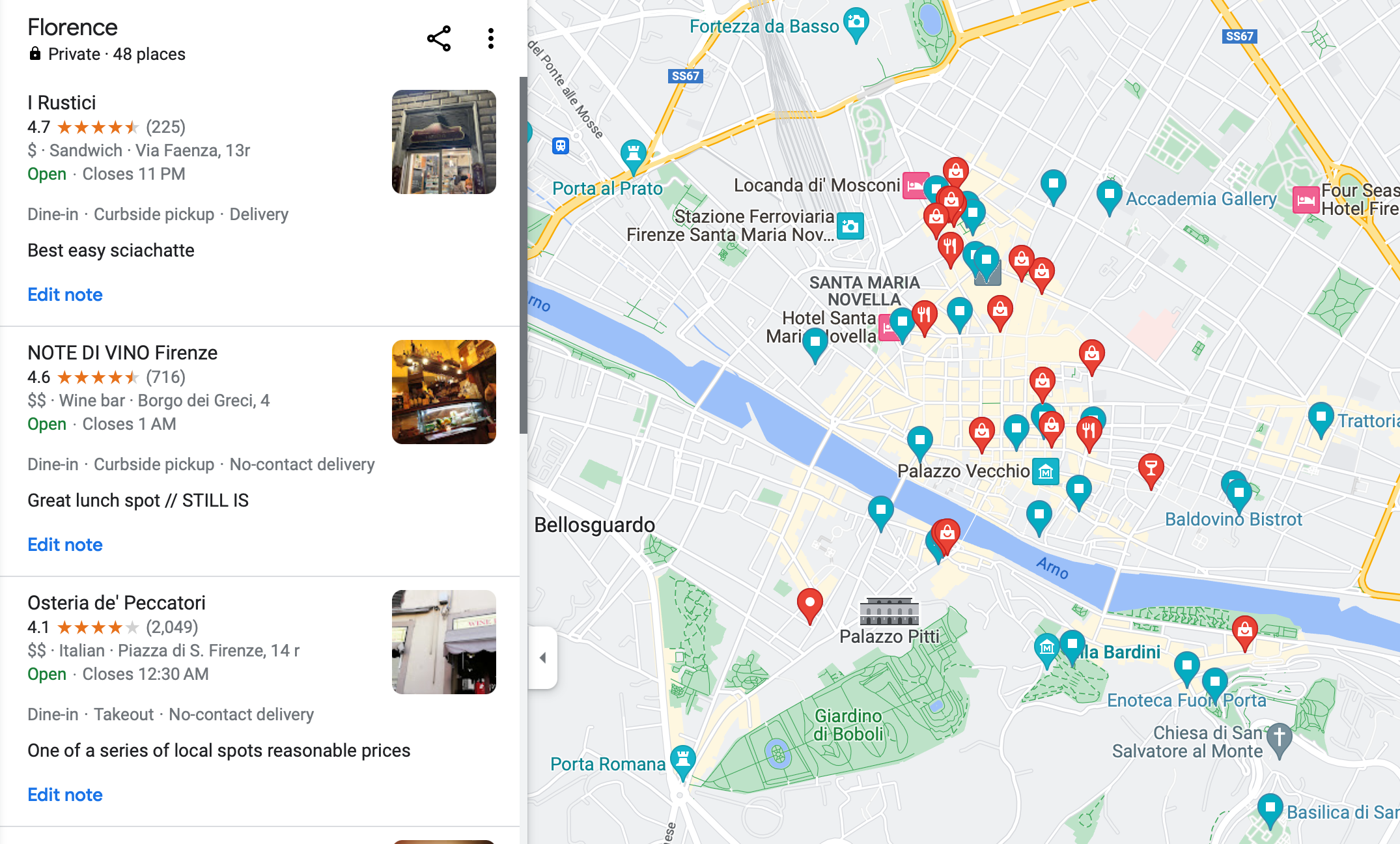
Option 2: Use Google My Maps (Best for Planning)
- Visit Google My Maps.
- Create a new map.
- Add markers manually.
- Save and share.
Google My Maps is ideal for:
- Real estate tours
- Service zone planning
- Delivery draft routing
For high-volume routing or territory optimization, advanced platforms outperform manual pin dropping.
Final Takeaway (2026 Perspective)
Google Maps is powerful for personal navigation — but it lacks:
- Official property line overlays
- Automatic midpoint calculation
- Advanced multi-stop optimization
- Professional territory control
For individuals, it works perfectly.
For professionals running logistics, field service, sales routes, or waste collection — specialized routing software delivers measurable efficiency gains.