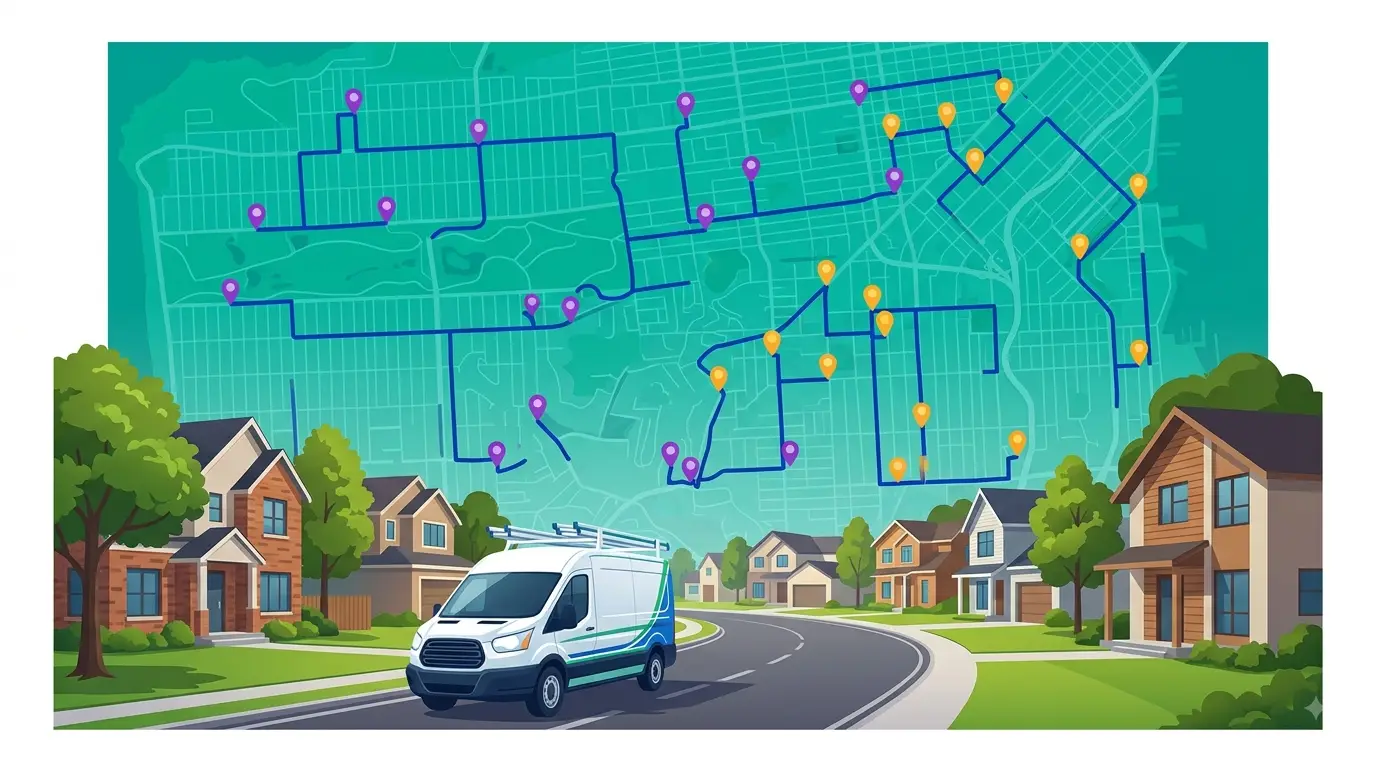
Pest control companies run dozens of service stops every day — recurring treatments, one-time callouts, seasonal surges. Planning those routes manually burns time every morning and leaves money on the table in wasted mileage. The right pest control routing software cuts that planning time from hours to minutes and keeps technicians on the road instead of sitting in the parking lot waiting for dispatch.
This post breaks down what pest control routing software actually does, what to look for when choosing one, and how Route Planner AI handles the specific challenges pest control teams face in the field.
If you’re evaluating tools at the company level rather than the technician level, start with our full guide to pest control routing software.
What Is Pest Control Routing Software?
Pest control routing software is a tool that calculates the most efficient order for a technician’s service stops based on location, drive time, and scheduling constraints. Instead of plotting stops manually on Google Maps or working from a printed list, dispatchers load all of their stops onto a map and let the software sequence them into the fastest route.
For pest control companies specifically, routing software needs to handle a few things that generic navigation apps don’t — recurring service schedules, last-minute emergency calls, and territory-based stop clustering across residential neighborhoods.
Why Pest Control Teams Need Dedicated Routing Software
General-purpose tools like Google Maps or spreadsheet-based planning fall apart when you’re managing more than a handful of stops. Here’s where they break down for pest control operations:
Recurring schedules are hard to manage manually. Most pest control companies run weekly, biweekly, or monthly service contracts. Rebuilding those routes from scratch every cycle wastes time and introduces errors. Route CRM tools store customer locations and service frequencies so recurring stops are always on the map and ready to plan.
Emergency calls disrupt the whole day. A customer calls with a termite swarm at 10 a.m. — now the dispatcher needs to squeeze that stop into an already-optimized route. Without routing software, that means rebuilding the rest of the day manually.
Territory overlap creates wasted miles. When two technicians criss-cross the same neighborhoods without geographic route boundaries, both burn fuel covering ground the other already drove past.
Seasonal volume swings are unpredictable. Spring and summer bring surges in mosquito, ant, and termite work. Routing software lets you absorb that volume without proportionally increasing planning time.
What to Look for in Pest Control Routing Software
Not every routing tool is built for field service. When evaluating options for a pest control operation, focus on these capabilities:
Visual route planning on a map. You should be able to see all of your stops on a map and select them visually — not pick from a dropdown list. Map-based planning makes it obvious when stops are clustered, when a technician is driving across town unnecessarily, and when territories overlap.
Lasso or area selection tools. The fastest way to build a route is to draw a circle around a group of stops and let the software optimize the sequence. This is far more efficient than dragging and dropping stops one by one.
Built-in customer management. Your routing software should store customer names, addresses, service notes, and treatment history. If you have to bounce between a separate CRM and your routing tool, you’re adding steps and risking data entry errors.
One-click route dispatch. Once a route is optimized, the dispatcher should be able to push it directly to a technician’s phone with turn-by-turn directions — no screenshots, no texting addresses, no paper route sheets.
Ad-hoc stop support. When emergency calls come in mid-day, you need to add a stop and re-optimize without starting from scratch. The software should recalculate the rest of the route automatically.
How Route Planner AI Works for Pest Control Teams
Route Planner AI is pest control routing software built around visual route planning. Here’s how pest control companies use it day to day:
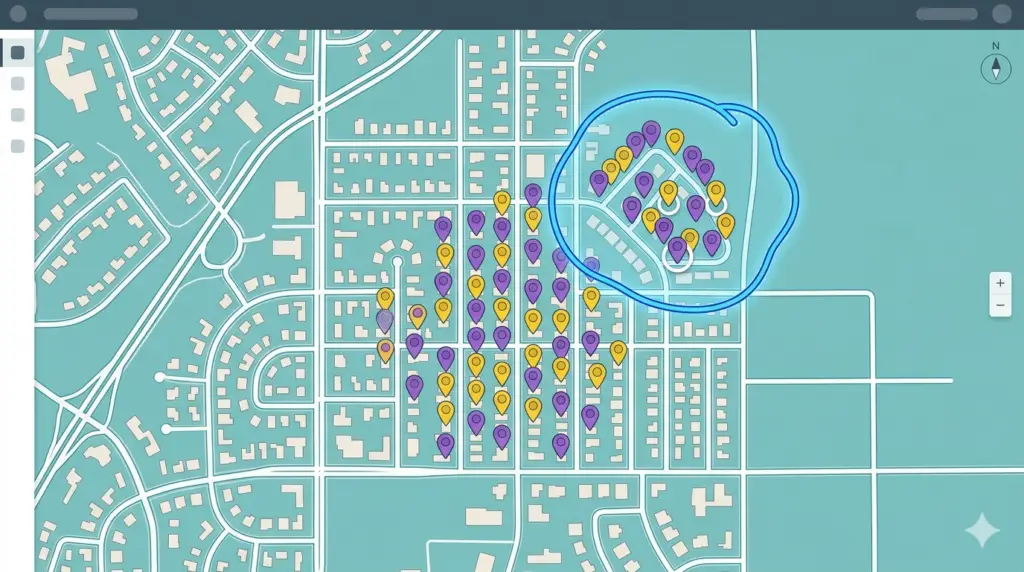
Step 1 — Load your customers. Import service locations, recurring schedules, and customer details. Every account shows up as a pin on the map, color-coded by status or service type.
Step 2 — Select stops with the lasso tool. Instead of building routes from a list, the dispatcher draws a circle around a cluster of stops on the map. The lasso selects every pin inside the area instantly.
Step 3 — Optimize and dispatch. Hit optimize and the AI sequences every stop into the fastest route. Dispatch the finalized route to the technician’s phone with one click. When an emergency call comes in mid-day, add it as an ad-hoc stop and re-optimize — the rest of the route adjusts automatically.
The visual approach means dispatchers can see territory boundaries, spot clustering opportunities, and balance workloads across technicians without switching between spreadsheets, calendars, and mapping tools.
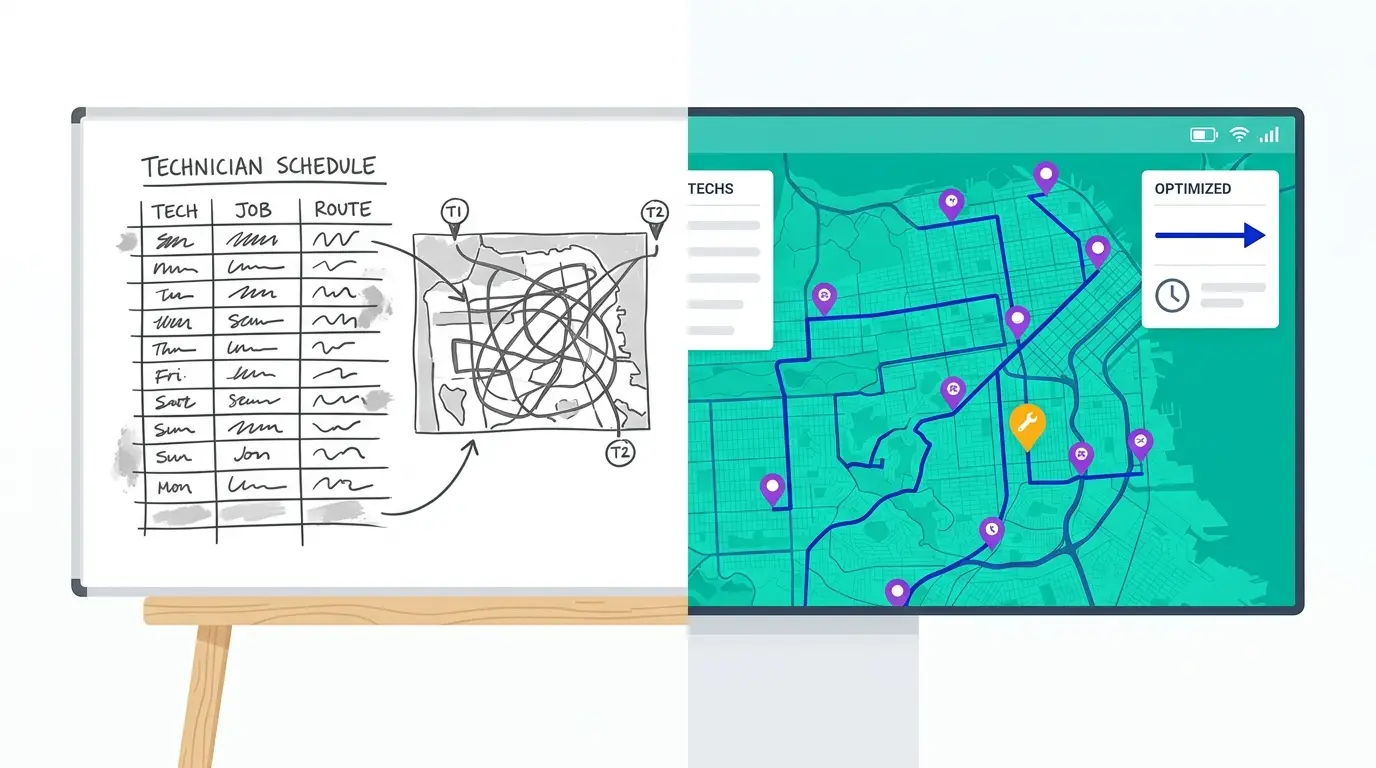
Manual Route Planning vs. Routing Software
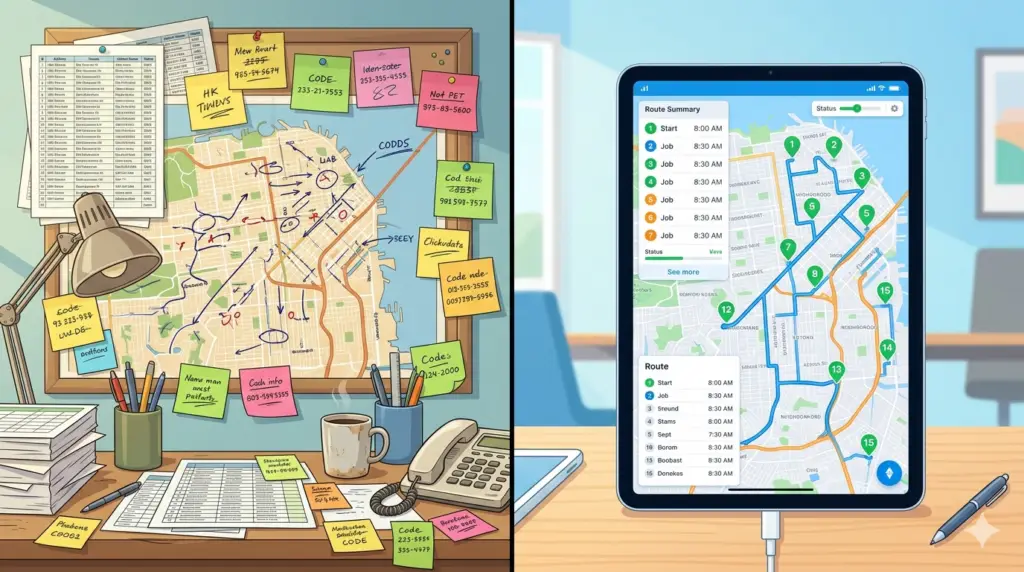
For small pest control companies running a handful of stops, manual planning might feel manageable. But as soon as you’re running more than one technician or handling 15+ stops per day, the math gets complicated fast.
Planning time. Manual planning typically takes 30–60 minutes per technician per day. Routing software reduces that to under 5 minutes — the dispatcher selects stops, optimizes, and dispatches.
Fuel and mileage. Without optimization, technicians drive routes in the order they were booked or in the order that feels right. Routing software helps reduce drive time between pest control jobs, which directly reduces fuel costs.
Missed stops and scheduling errors. Paper route sheets and texted addresses lead to missed turns, skipped customers, and duplicated visits. Digital routes with turn-by-turn directions eliminate those errors.
Scalability. Adding a second or third technician with manual planning doubles or triples the dispatcher’s workload. With routing software, adding a technician is just another route to optimize — same process, same time investment. For a full breakdown of how manual and software-based planning compare across all of these dimensions, see our pest control route planning: manual vs. software comparison.
Getting Started
If your pest control company is still planning routes with spreadsheets, Google Maps, or pen and paper, switching to dedicated routing software is one of the highest-impact changes you can make. The time savings alone — both in morning planning and daily drive time — typically pay for the tool within the first month.
Start a free trial of Route Planner AI and see how visual route planning works for your pest control operation.