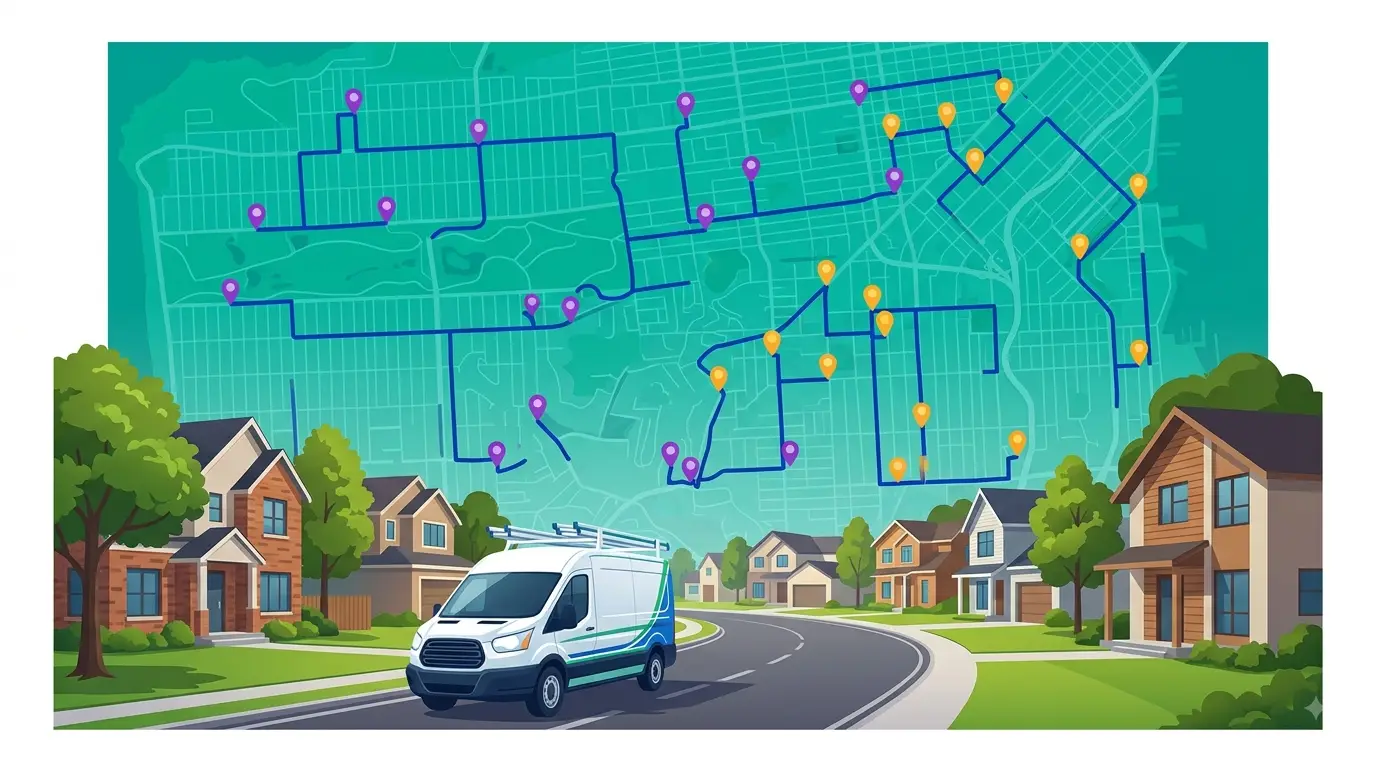
Your drivers know the area. They’ve been running the same routes for months, maybe years. So why are they still burning an hour or two every day sitting in traffic, doubling back, or zigzagging across town?
The answer is almost always the same: routes built by gut feel instead of math. That’s the core of the AI vs manual route planning question — a dispatcher sequencing stops by memory can’t compete with a solver that weighs time windows, traffic patterns, vehicle capacity, and driver schedules across every possible order in seconds. The result isn’t a marginal improvement. For most field teams, it means reclaiming two or more hours of productive time per driver, per day.
This post breaks down exactly where that time comes from and how Route Planner AI turns wasted windshield time into revenue.
AI vs Manual Route Planning: Where the Time Actually Goes
Before looking at what AI fixes, it helps to understand where the time leaks out. For most route-based teams, the losses fall into three buckets.
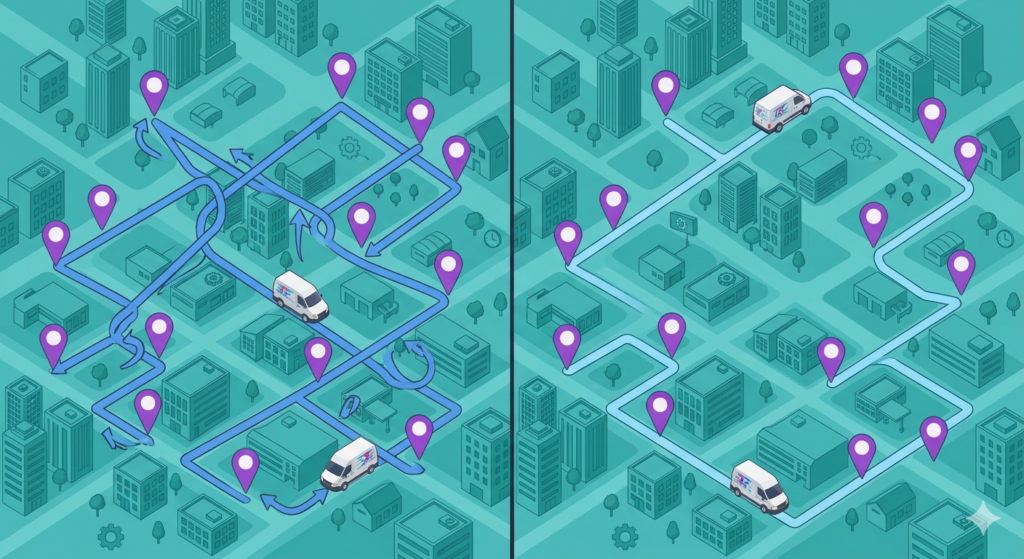
Sequencing mistakes. A dispatcher or driver builds the day’s route in a logical-looking order — north to south, grouped by neighborhood — but misses the faster sequence that accounts for one-way streets, highway on-ramps, and real-time congestion. Even a few out-of-order stops compound across a full day.
Backtracking. A last-minute stop gets added and slotted at the end of the route instead of inserted where it actually fits geographically. The driver finishes the original route, then drives 20 minutes back to a neighborhood they passed two hours ago.
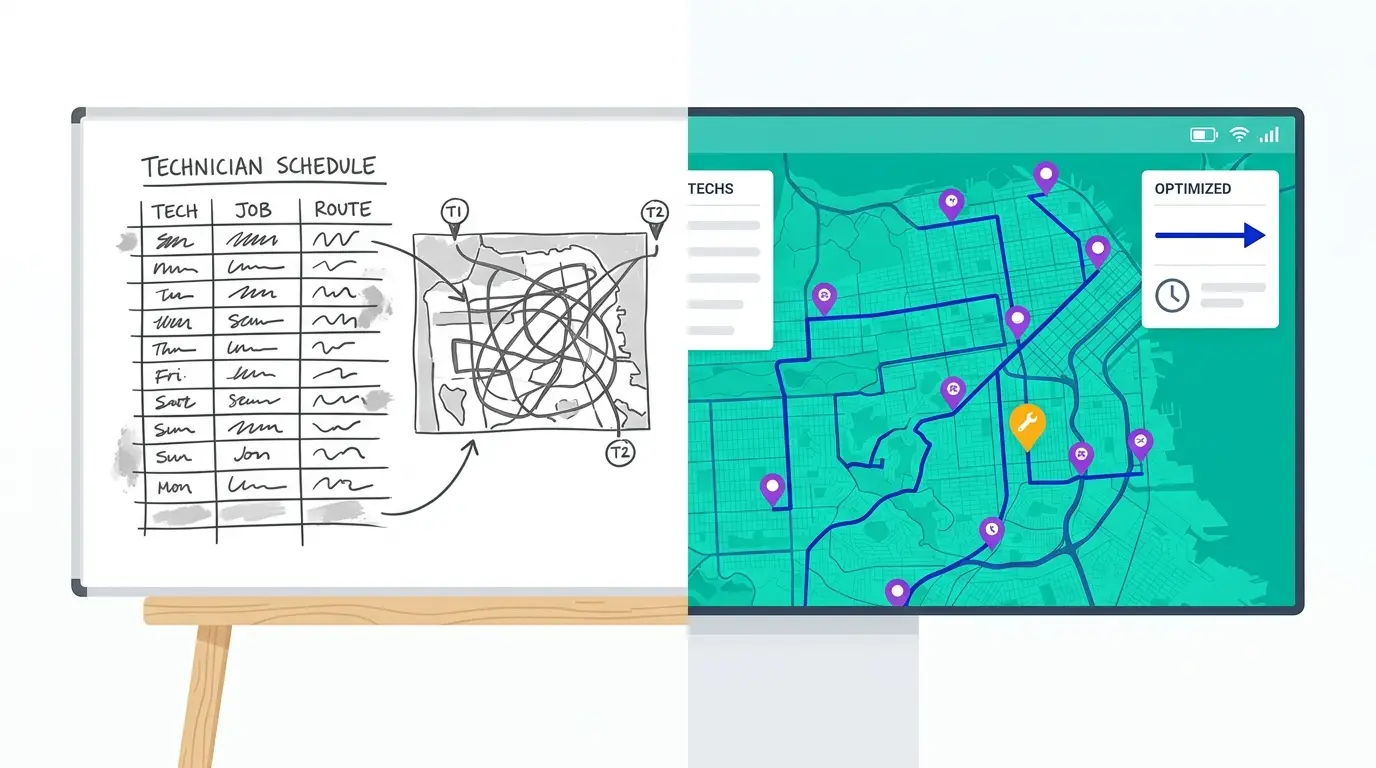
Over-planning. Dispatchers spend 30 to 45 minutes each morning manually arranging stops, checking maps, and adjusting for cancellations or no-shows. That’s dispatcher time burned before a single truck leaves the lot.
Add those up across a five-driver team over a week, and you’re looking at a serious chunk of payroll spent on windshield time instead of service time. This is exactly the problem an AI delivery route planner is built to solve.
| Manual route planning | AI route planning | |
|---|---|---|
| Building the day’s routes | 45–60 minutes of dispatcher time each morning | Seconds, from the full stop list |
| Stop sequence | Built from memory and rough geography | Optimized across every possible order, with real drive times |
| Mid-day changes | Tacked onto the end of a route | Inserted at the least disruptive point, routes re-optimized |
| Consistency | Varies by dispatcher and driver experience | Same optimization quality on every route, every day |
How AI Route Planning Eliminates Each One
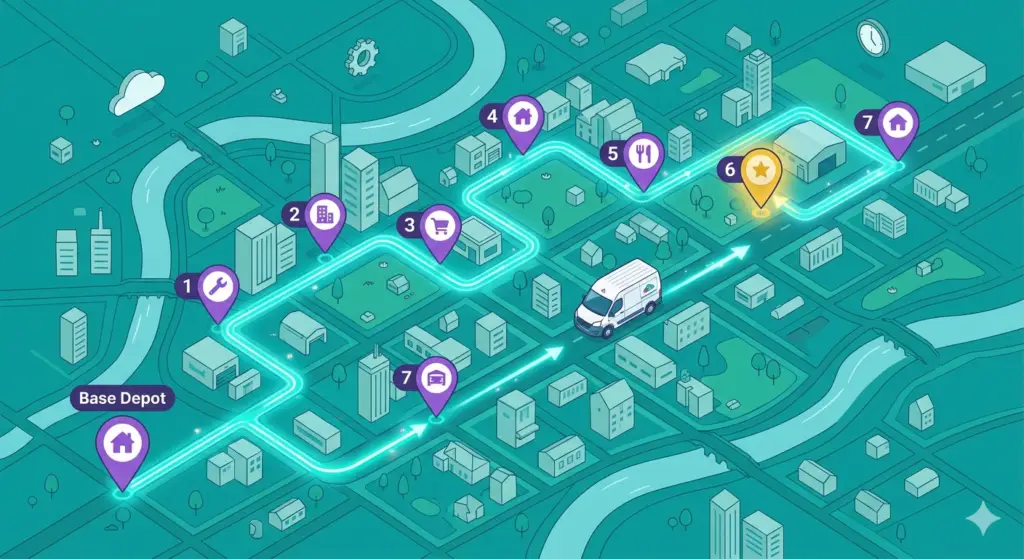
An AI route planner doesn’t just sort stops by proximity. It solves the entire route as an optimization problem — weighing every possible sequence against your real constraints and picking the one that minimizes total drive time.
Smarter Stop Sequencing
The algorithm evaluates thousands of possible stop orders in seconds. It accounts for road networks, turn restrictions, and traffic patterns to find the fastest path through all your stops. The difference between a “good enough” route and a truly optimized one is usually 15 to 30 minutes per driver per day — and that’s a conservative number for teams running 15+ stops.
Dynamic Insertion Instead of Tacking On
When a new stop comes in mid-morning, AI route planning doesn’t just bolt it onto the end. It recalculates and slots the stop into the position that causes the least disruption to the overall route. No backtracking, no wasted miles.
Dispatch in Minutes, Not an Hour
Instead of a dispatcher manually dragging pins around a map every morning, AI builds the full day’s routes in under a minute. The dispatcher’s job shifts from route-building to exception-handling — reviewing the plan, making judgment calls on priority stops, and communicating changes to drivers. That alone can save 30+ minutes of morning prep time.
What “2+ Hours” Looks Like in Practice
The two-hour figure isn’t aspirational — it’s the combined effect of tighter sequencing, eliminated backtracking, and faster dispatch. Here’s how it breaks down for a typical field team:
| Time Saved | Source |
|---|---|
| 15–30 min/driver | Optimized stop sequencing |
| 15–25 min/driver | Eliminated backtracking from mid-day adds |
| 30–45 min/dispatcher | Automated route building vs. manual planning |
| 10–15 min/driver | Fewer wrong turns and missed time windows |
For a team with five drivers, that’s potentially 10+ hours recovered per day — hours that translate directly into more stops completed, more customers served, or earlier clock-outs.
Beyond Time: The Downstream Effects
The hours saved are the headline number, but the downstream effects matter just as much for operations managers thinking about total cost.
Fuel costs drop. Fewer miles driven means less fuel burned. With diesel and gasoline prices remaining volatile, even a 10% mileage reduction is meaningful at the end of the month for teams running box trucks or service vans.
Driver retention improves. Routes that make sense — no unnecessary backtracking, realistic time windows, logical flow — make the job less frustrating. Drivers who aren’t fighting bad routes every day are more likely to stick around.
Customer experience gets better. Tighter ETAs mean fewer “we’ll be there between 8 and noon” windows. When your drivers show up when they say they will, customers notice.
Capacity increases without adding headcount. If each driver can fit two or three more stops into a day, you can grow volume without hiring another driver or leasing another vehicle.
What to Look for in an AI Delivery Route Planner
Not every tool that calls itself an “AI route planner” actually optimizes routes. Some just plot stops on a map and draw a line between them. When evaluating options, look for these capabilities:
True optimization, not just mapping. The tool should rearrange your stop order to minimize total drive time, not just display your stops in the order you entered them.
Constraint handling. Time windows, service durations, vehicle capacity, driver start/end locations, lunch breaks — a real optimizer accounts for all of these.
Mid-route flexibility. You need to be able to add, remove, or reprioritize stops after the route is built without blowing up the entire plan.
Fast recalculation. If re-optimizing a 30-stop route takes five minutes, it’s not practical for field operations where changes happen constantly.
Works for your use case. Whether you’re running deliveries, service calls, sales visits, or inspections, the tool should handle your specific workflow — not force you into a one-size-fits-all template. HVAC teams, for example, have specific needs around service windows and emergency dispatch that general-purpose tools often miss — HVAC routing software is built around those constraints.
Getting Started Without Disrupting Your Current Workflow
One common concern: “We can’t just rip out our current process and switch to a new tool overnight.” You don’t have to.
Most teams start by running AI-optimized routes alongside their existing process for a week. Have your dispatcher build routes the usual way, then run the same stop list through the optimizer and compare. The difference in total miles and estimated drive time is usually enough to make the case.
From there, the transition is straightforward. Upload your stops, set your constraints, and let the tool build the routes. Your dispatchers still review and approve — they just spend five minutes doing it instead of 45.
Route Planner AI is built for exactly this kind of rollout. It’s designed so field teams can start optimizing routes on day one without a lengthy setup or training process.
The Bottom Line
The ai vs manual route planning debate comes down to arithmetic: an hour of dispatcher time plus an hour of drive time per driver, every day, against software that costs $39.99 per driver per month.The math is simple: better sequencing, less backtracking, faster dispatch. That adds up to two or more hours per driver, every day.
The teams that figure this out first don’t just save time. They serve more customers, burn less fuel, and keep their drivers happier — all without adding headcount.