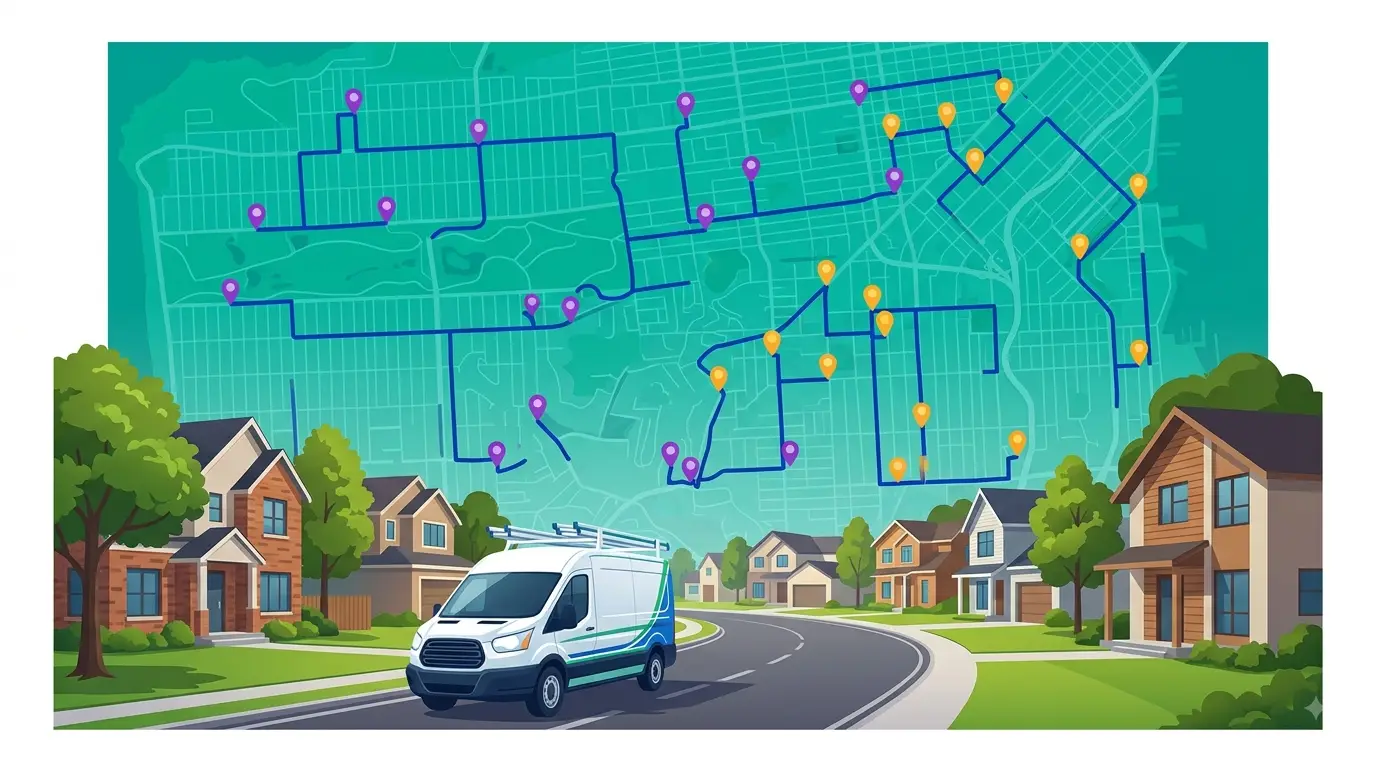
Most field service businesses run two systems that don’t talk to each other: a CRM for customer data and a separate tool (or no tool at all) for route planning. A route CRM brings both together — customer information, stop locations, job details, and optimized routes — in one place.
If you’re still toggling between a spreadsheet of customer addresses and Google Maps to plan your day, a route CRM eliminates that friction entirely. Here’s what it is, why it matters, and what to look for when you’re evaluating one for your team.
What exactly is a route CRM?
A route CRM is software that combines customer relationship management with route planning and optimization. Instead of maintaining a separate database of customers and then manually building routes from their addresses, a route CRM lets you manage both from a single system.
At its core, it does three things:
- Stores customer and stop data — names, addresses, service histories, notes, contact details — the way any CRM does.
- Plots those customers on a map and lets you build routes from them directly.
- Optimizes those routes so your drivers or technicians spend less time on the road and more time at stops.
The “CRM” part isn’t just a contact list. It’s the context your team needs at each stop: what was done last time, what’s scheduled today, any special instructions, and who to call if something changes.
Who needs a route CRM?
Any business where people drive between customer locations on a recurring or semi-recurring basis. That includes:
- Pest control companies running weekly or monthly service routes across residential neighborhoods
- HVAC and plumbing teams dispatching technicians to service calls throughout the day
- Lawn care and landscaping crews following set routes with seasonal customer changes
- Delivery operations managing daily drop-offs across a territory, from courier services to food and beverage distributors running recurring routes to restaurants and retailers
- Field sales reps planning multi-stop visit schedules across a region
- Pool cleaning, waste collection, and vending machine operators following repeat routes
The common thread is that these businesses need to know who they’re visiting, where those customers are, and what order to visit them in — every single day.
What’s wrong with using a regular CRM plus a separate route tool?
Nothing is technically “broken,” but the gap between the two systems creates real operational drag:
Double data entry. When you add a new customer to your CRM, you then have to manually add their address to whatever route planning tool you’re using. When a customer cancels, you have to remember to remove them from both. This is where mistakes happen — stops get missed, drivers show up at addresses that are no longer active, or new customers wait days before they actually appear on a route.
No context at the stop. A route planning tool tells your driver where to go next. It doesn’t tell them what to do when they get there. A route CRM gives the driver the full picture — service history, access notes, customer preferences — without switching apps or calling the office.
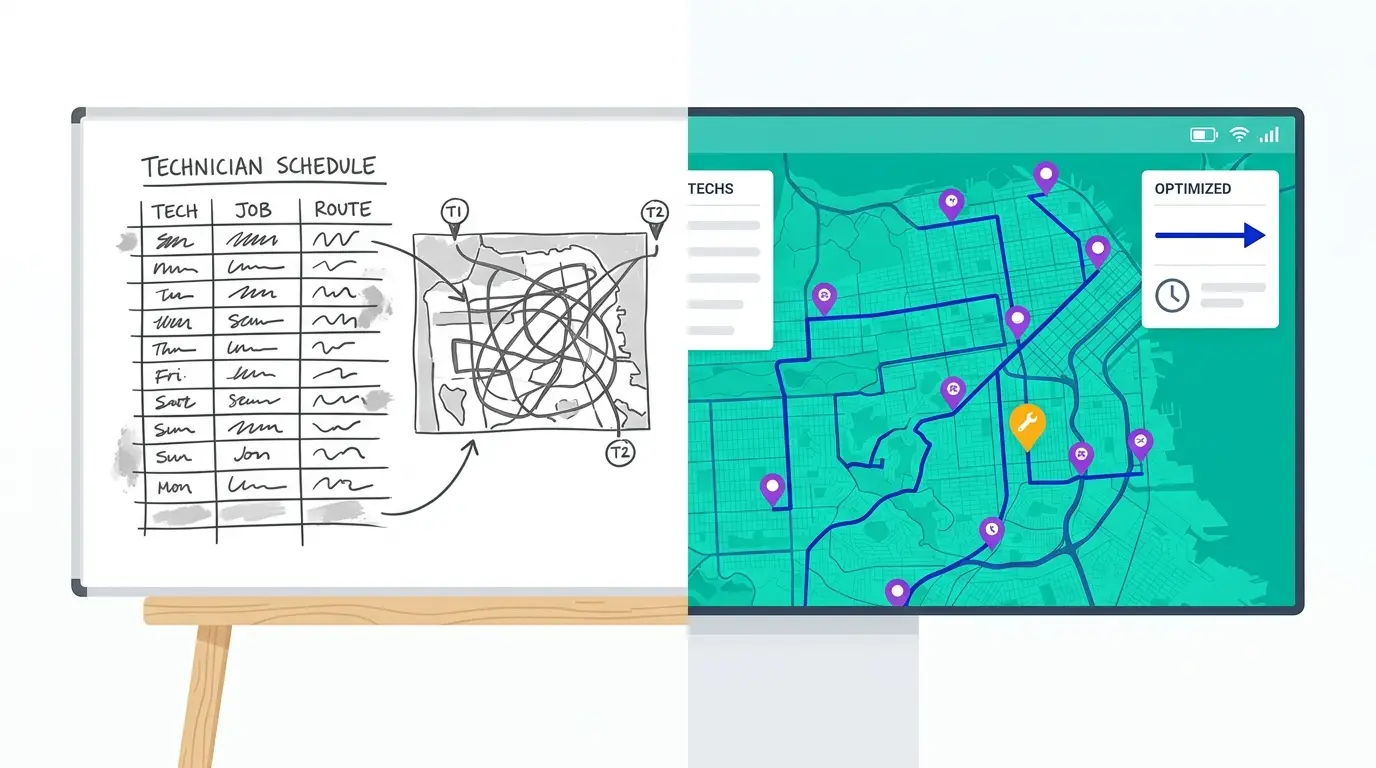
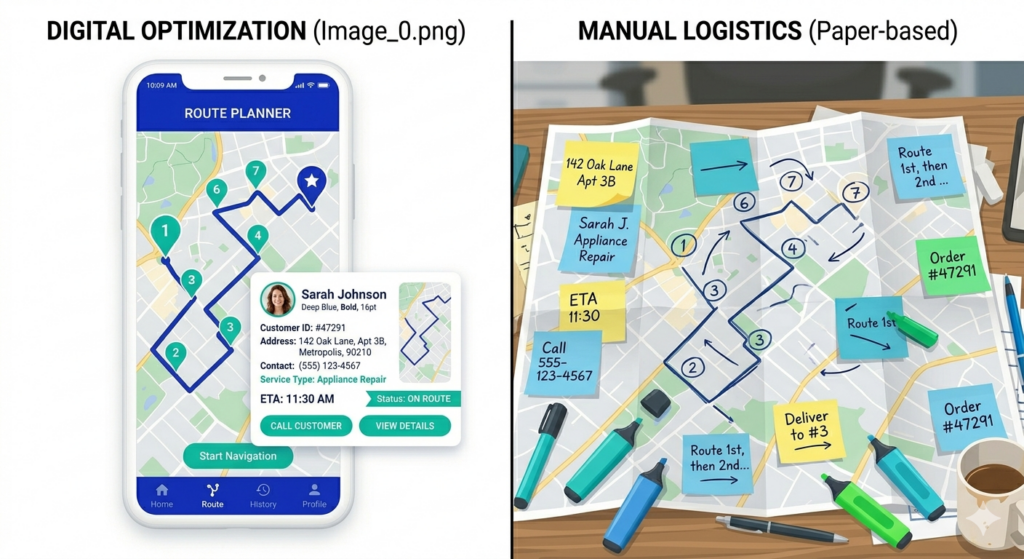
Manual route building. Without integration, someone in the office (usually the owner) spends 30 to 60 minutes every morning dragging stops into a route order that makes geographic sense. A route CRM automates that entirely. Import your stops, hit optimize, and the system sequences them to minimize drive time.
Scaling pain. One truck with 15 stops? You can manage that with Google Maps and a notebook. Five trucks with 40 stops each? That’s 200 stops a day, and any manual process starts to crack. A route CRM is how businesses make that jump without adding office staff.
What should you look for in a route CRM?
Not every platform that claims CRM and routing capabilities actually delivers both well. Here’s what separates a useful route CRM from a bolted-together feature list:
Route optimization that actually works
The core value of a route CRM is that it saves drive time. That means the optimization engine matters. Look for software that can resequence a full day’s stops in seconds, not one that just maps them in the order you entered them. The difference between a truly optimized route and a “mapped” route can be 30 to 60 minutes of drive time per driver per day.
Easy stop management
You need to be able to add, remove, and move stops quickly. If a customer calls to cancel their Tuesday service, can you pull them off the route in two clicks? If a new customer signs up, can you drop them onto the nearest existing route without rebuilding everything from scratch?
Customer data at the stop level
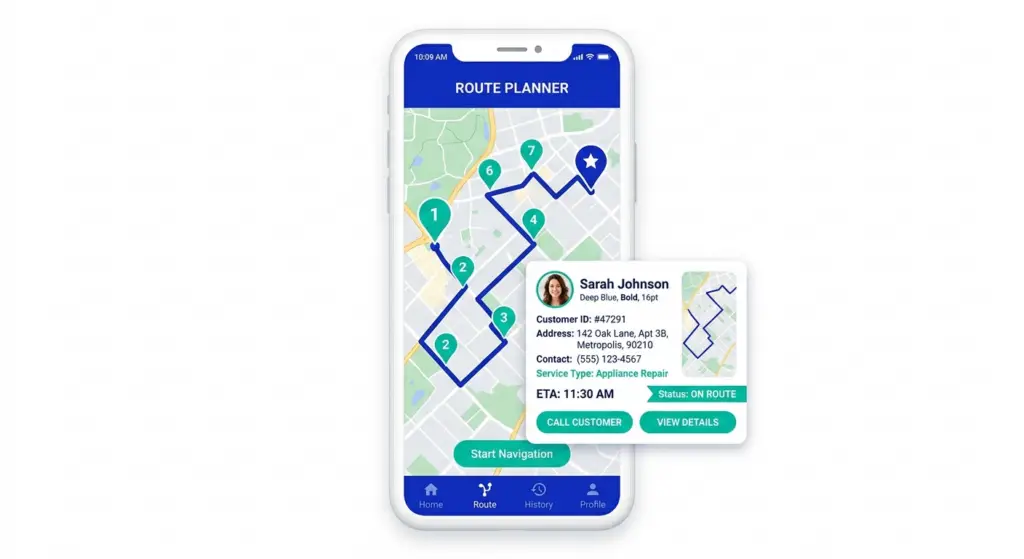
Each stop should carry the customer context your team needs: name, phone number, service notes, photos from previous visits, any access instructions. This is what turns a route into an actual workday — not just a list of addresses.
Mobile access for drivers
Your drivers shouldn’t need to call the office to find out what’s next. A good route CRM puts the optimized route and all the stop-level details on the driver’s phone, with turn-by-turn navigation baked in.
Flexibility for ad-hoc changes
Real days don’t match the plan. A customer calls in with an emergency. A job takes longer than expected. A driver calls in sick. Your route CRM should make it easy to add an ad-hoc stop, reassign a route, or reoptimize on the fly without starting from zero.
How a route CRM changes daily operations
The shift from separate tools (or no tools) to a route CRM tends to show up in a few specific places:
Morning route prep drops from 30–60 minutes to under 5. Instead of manually sequencing stops, you import or select your stops and let the optimization engine handle the order. This is usually the first thing teams notice.
Drivers stop calling the office for directions or customer details. Everything they need is on their phone. This frees up office staff and reduces errors from relayed information.
New customers get on routes faster. Instead of waiting for someone to manually slot them in, they get added to the system once and the route CRM places them on the most efficient route automatically.
You can see what’s actually happening in the field. With separate systems, the office often doesn’t know whether a stop was completed until the driver comes back and updates a spreadsheet. A route CRM with mobile check-in gives you real-time visibility into route progress.
Is a route CRM worth it for a small team?
This is the question most small operators ask — and the answer depends on where you are today.
If you’re running one or two trucks and your current Google Maps workflow takes 10 minutes a day, you might not feel the pain yet. But if you’re spending 30+ minutes building routes every morning, if drivers are regularly backtracking or missing stops, or if you’re about to add your third or fourth driver, a route CRM pays for itself quickly in saved time and fuel alone.
The break-even point for most field service businesses is somewhere around 3 drivers. Below that, you can get by with manual processes. Above that, the time and fuel savings from optimized routes typically exceed the software cost within the first month.
Getting started with Route Planner AI
Route Planner AI was built specifically for route-based businesses that need both customer management and route optimization without enterprise complexity or enterprise pricing.
You can import your stop list, build and optimize routes in seconds, and give your drivers a mobile-friendly view of their day — complete with customer details, navigation, and stop-level notes. If you’re currently piecing things together with a CRM, a spreadsheet, and Google Maps, this replaces all three.
Plans start at $39.99 per driver per month, and you can start a free trial to see how it works with your actual routes.